
Creating an account on OceanXZ is quick and easy. Follow these 4 simple steps to get started.
Sign Up in 4 Simple Steps
1.Create an Account
2.Verify Your Contact
3.Account Successfully Created
4.Secure Your Account & Start Trading
Step 1: Create an Account
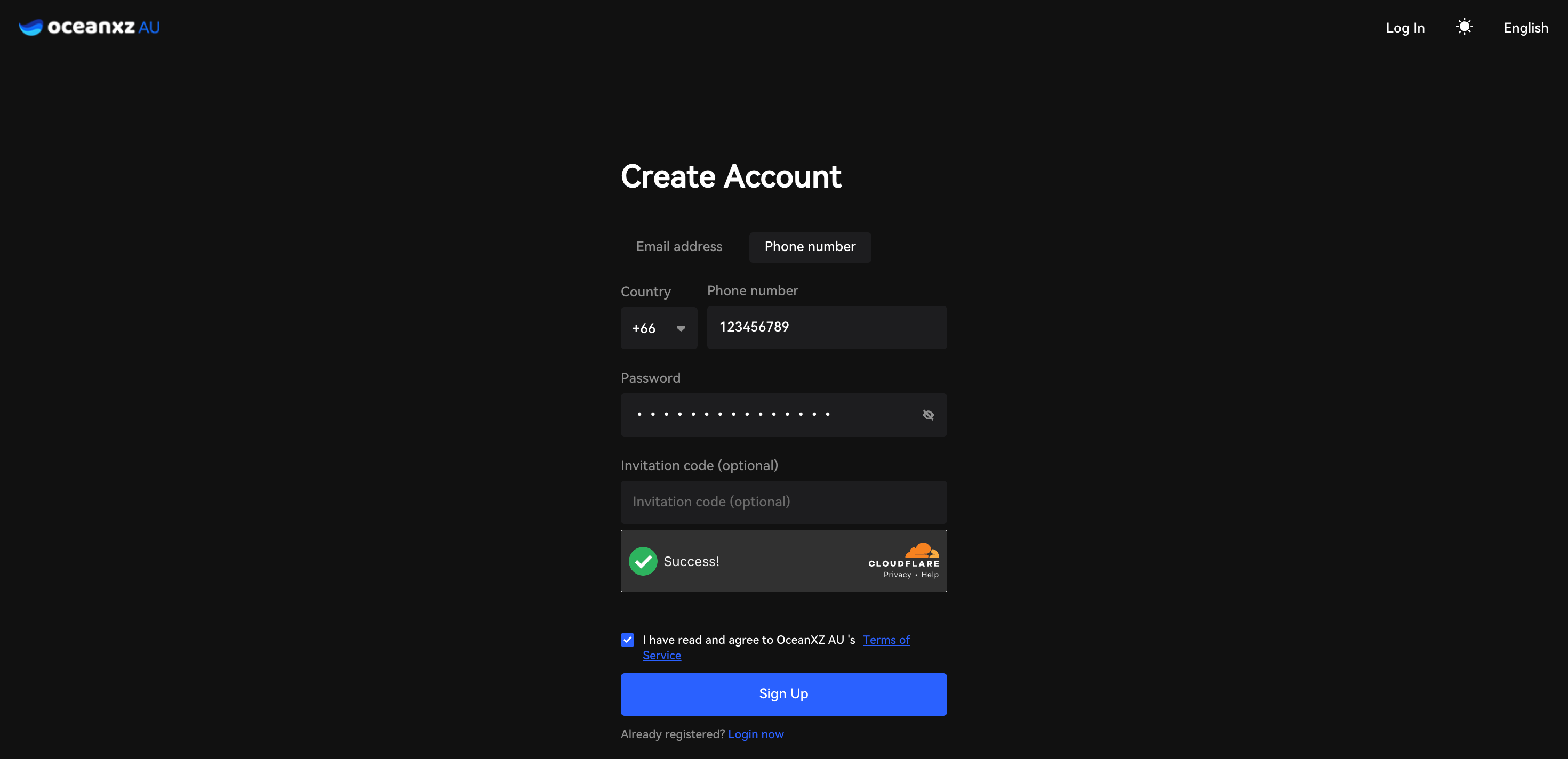
- Go to the OceanXZ AU website
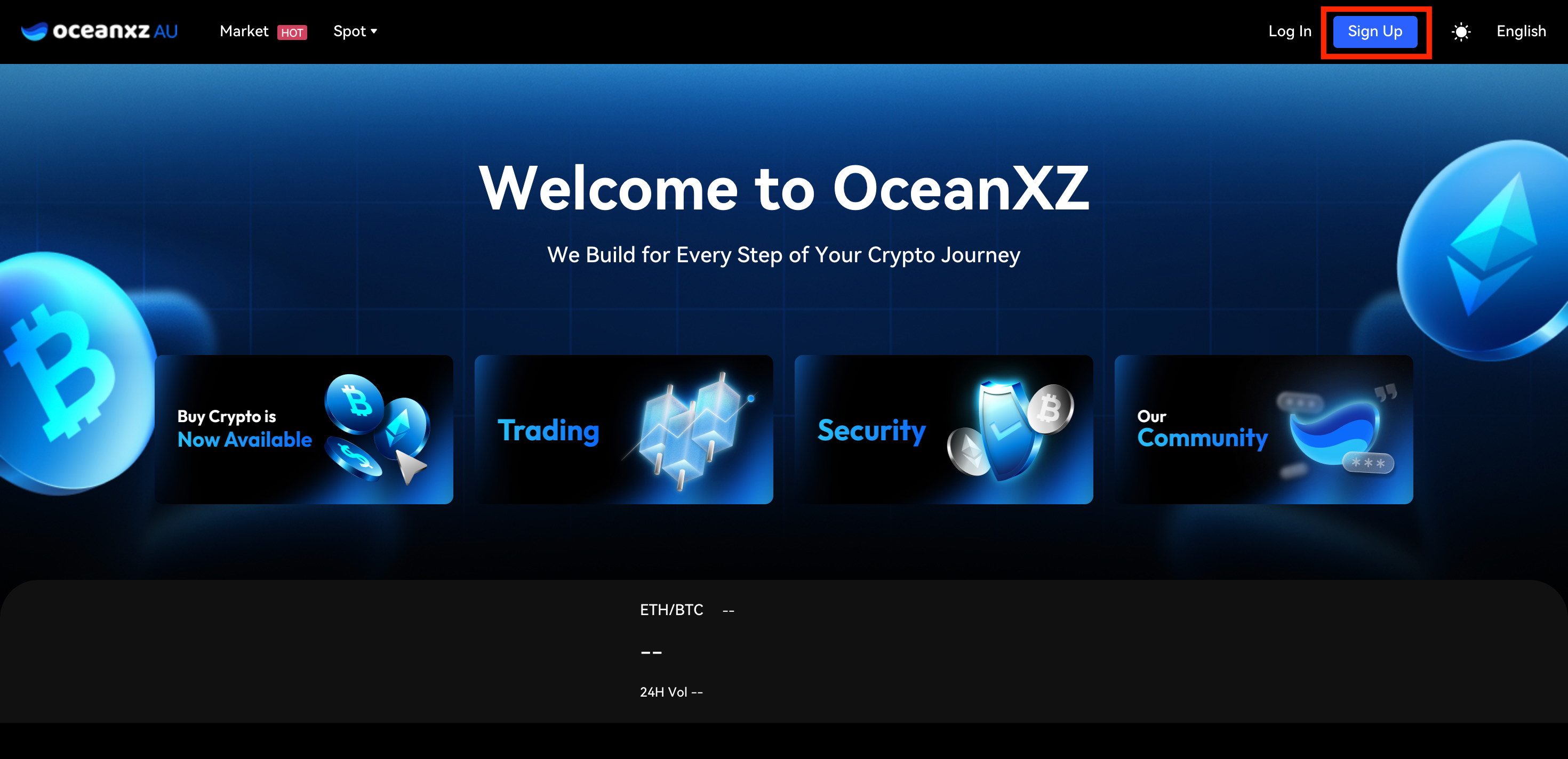
- Click Sign Up in the top-right corner
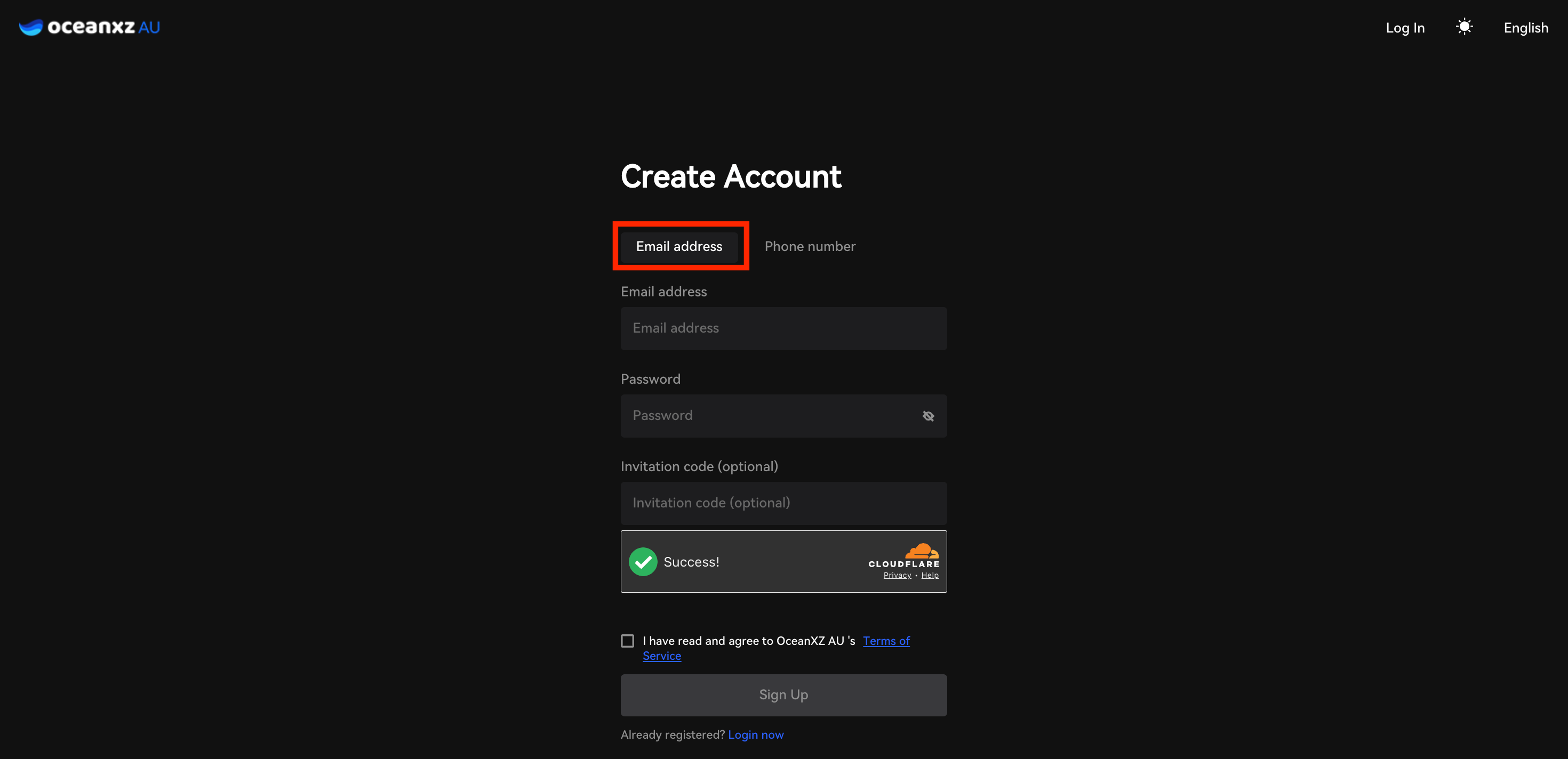
- Choose your sign-up method: Email address or Phone number (if choosing Phone number, select your Country code first)
- Enter your Email address or Phone number, then create your Password
- Enter an Invitation code (optional)
- A Cloudflare verification box will appear to confirm you're not a bot — wait until it shows "Success!"
- Check the box "I have read and agree to OceanXZ AU's Terms of Service"
- Click the Sign Up button (it turns blue and becomes active once all required fields are filled and the checkbox is ticked)
Password Requirements
- 8–20 characters
- Case-sensitive
- Special characters are allowed
Email Example:
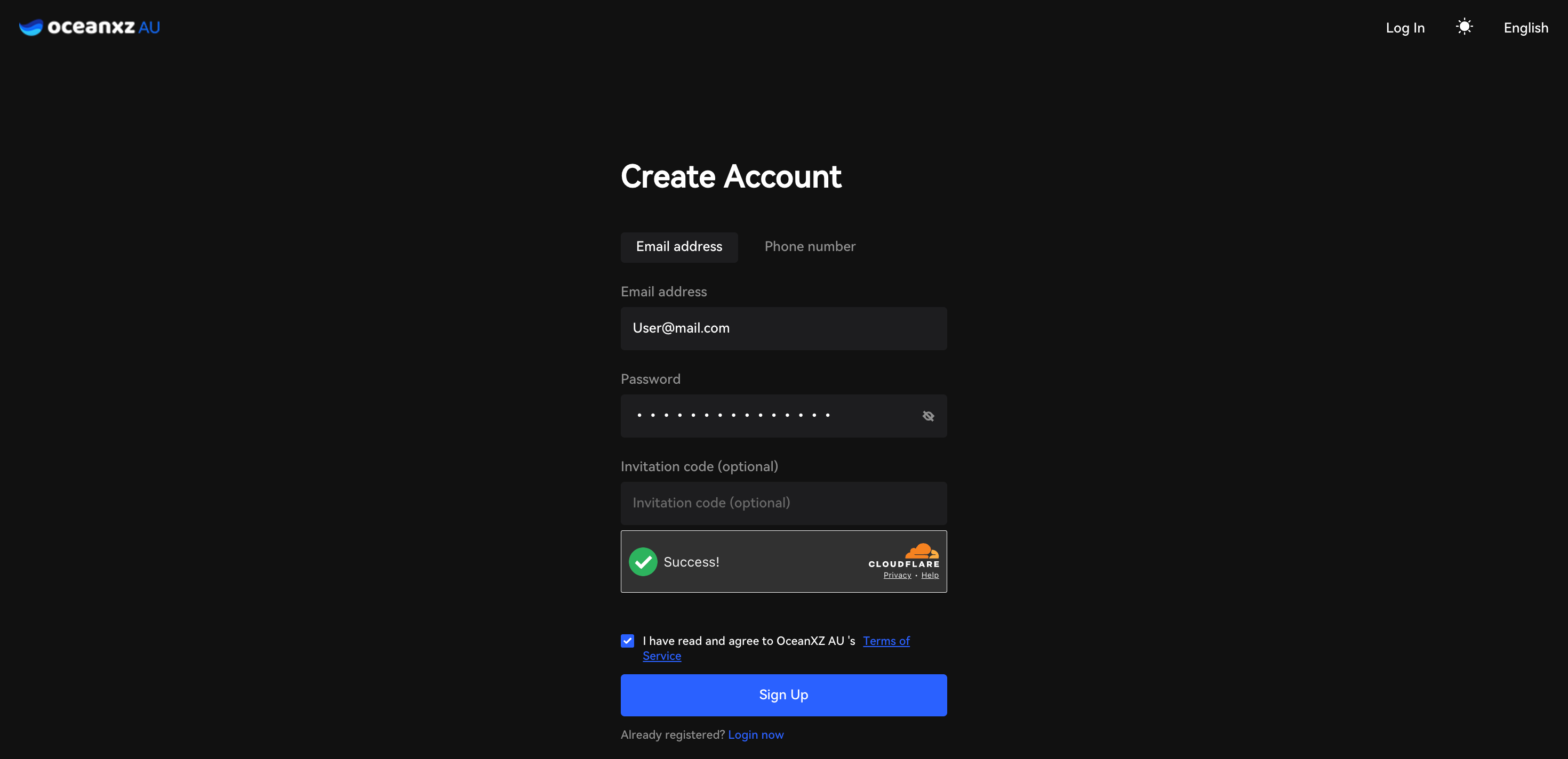
Phone Number Example:
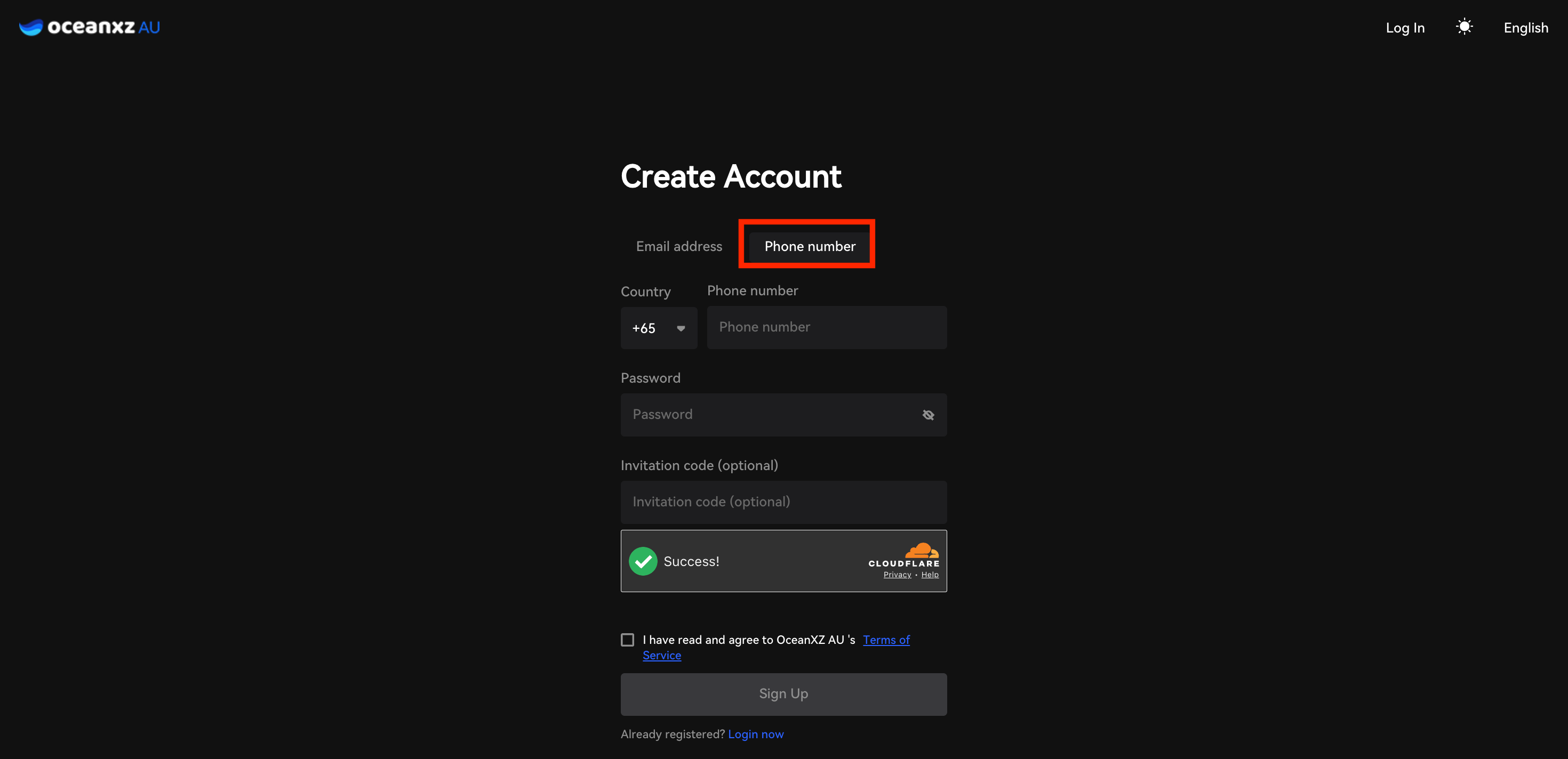
Step 2: Verify Your Contact
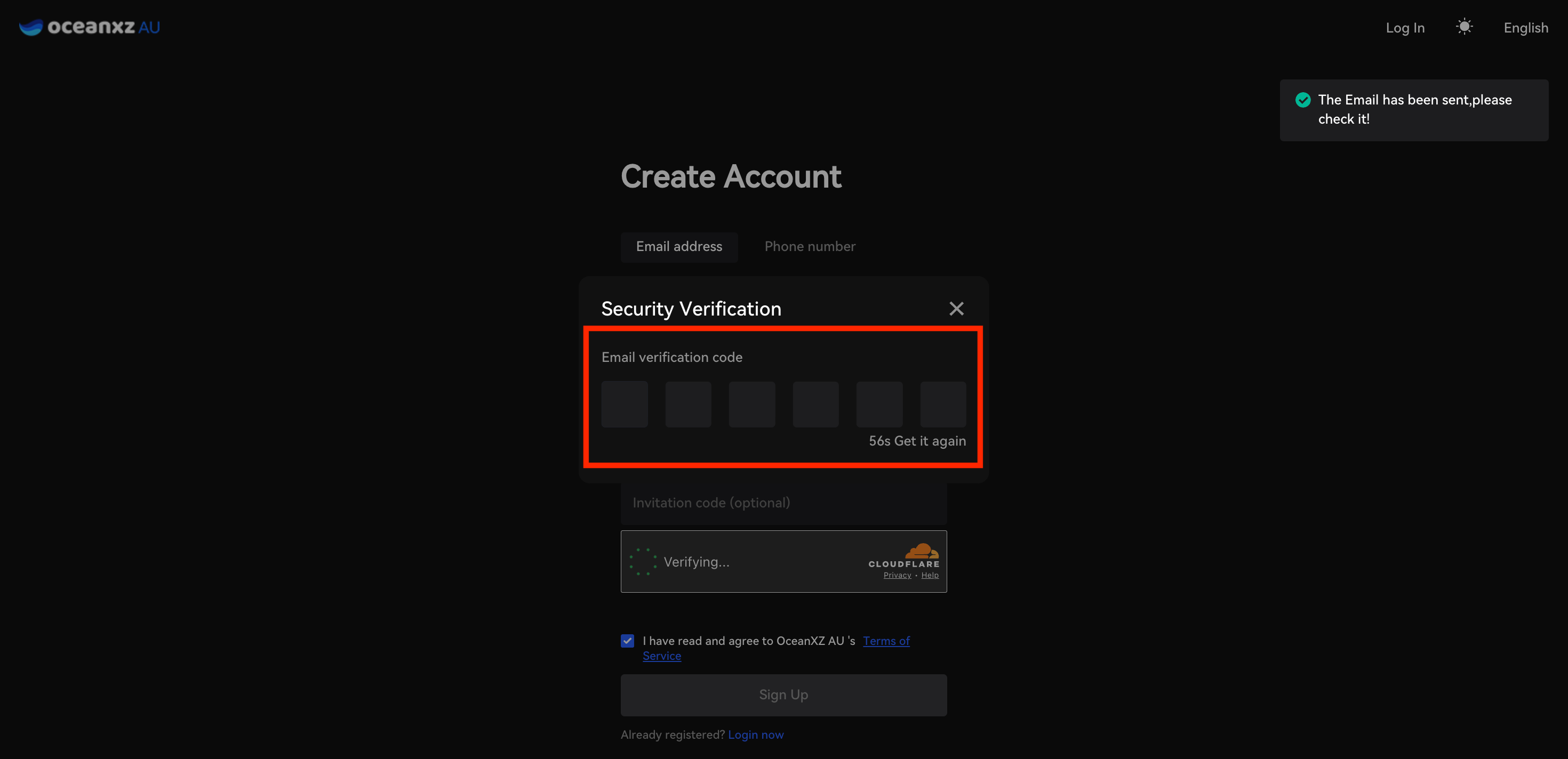
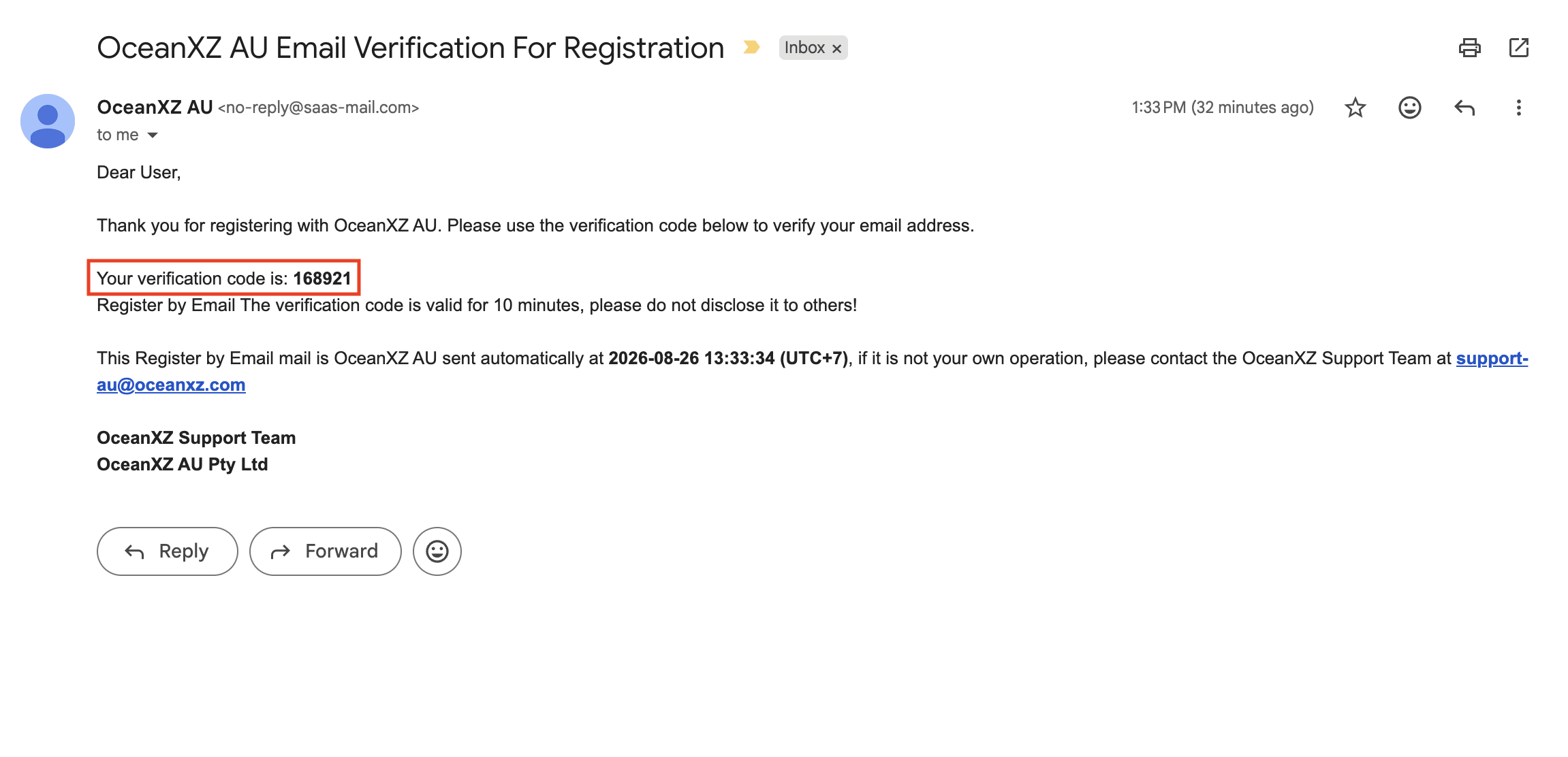
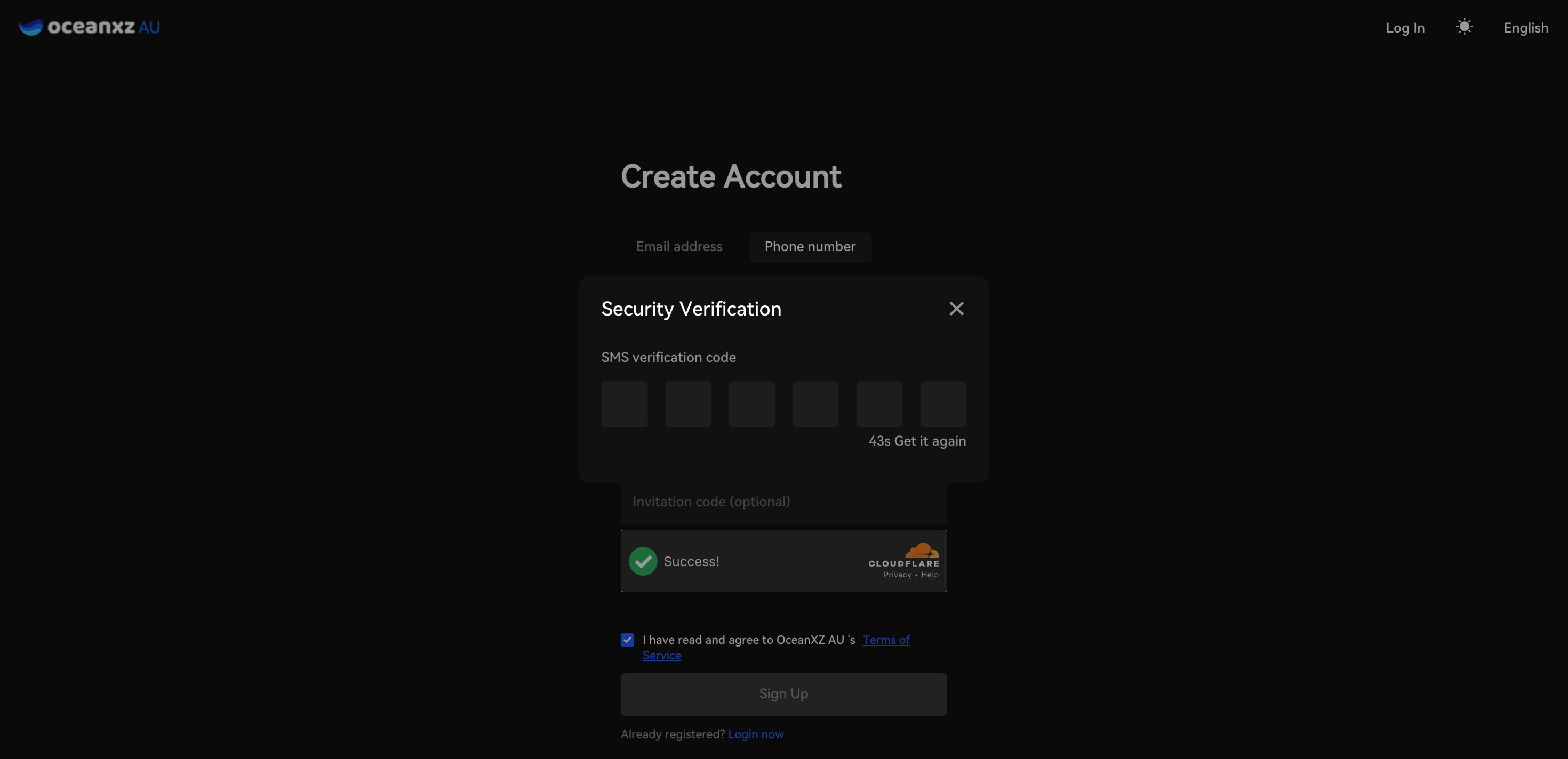
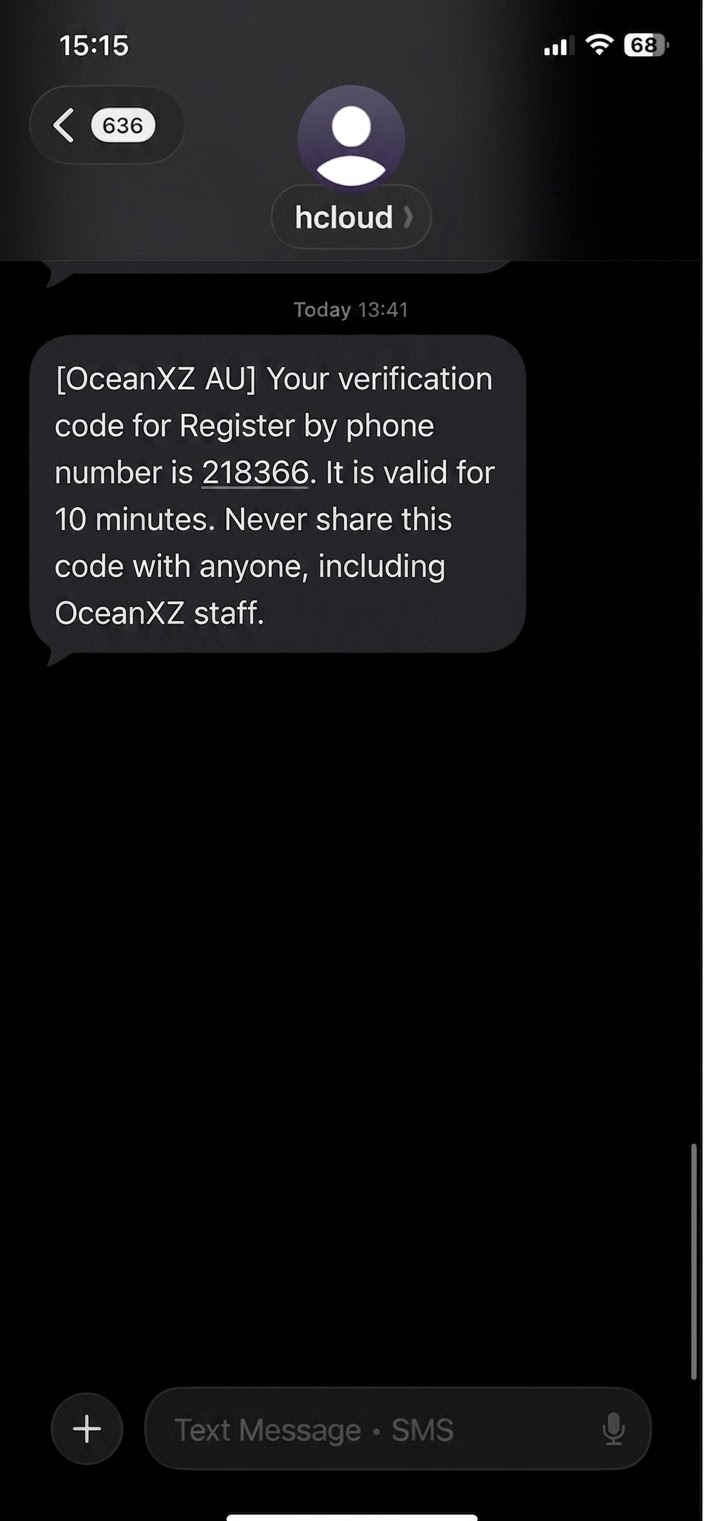
- A verification code will be sent to your Email or as an SMS to your phone, depending on the method you chose
- Enter the 6-digit verification code within the given time limit
- If you don't receive it, click "Get it again" to resend
- Click Sign Up again to complete your registration
Email Example:
Phone Number Example:
Step 3: Sign Up Successful
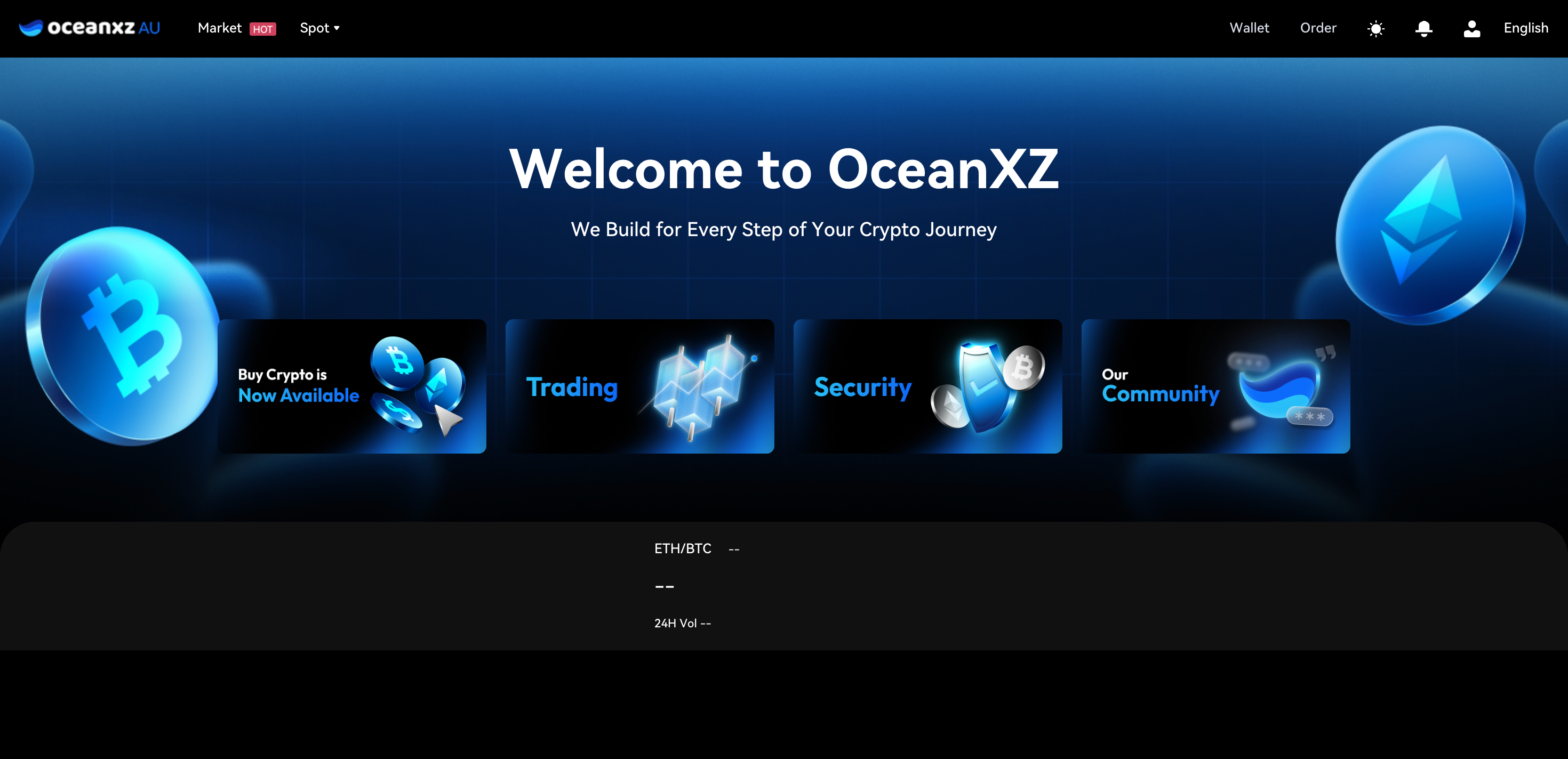
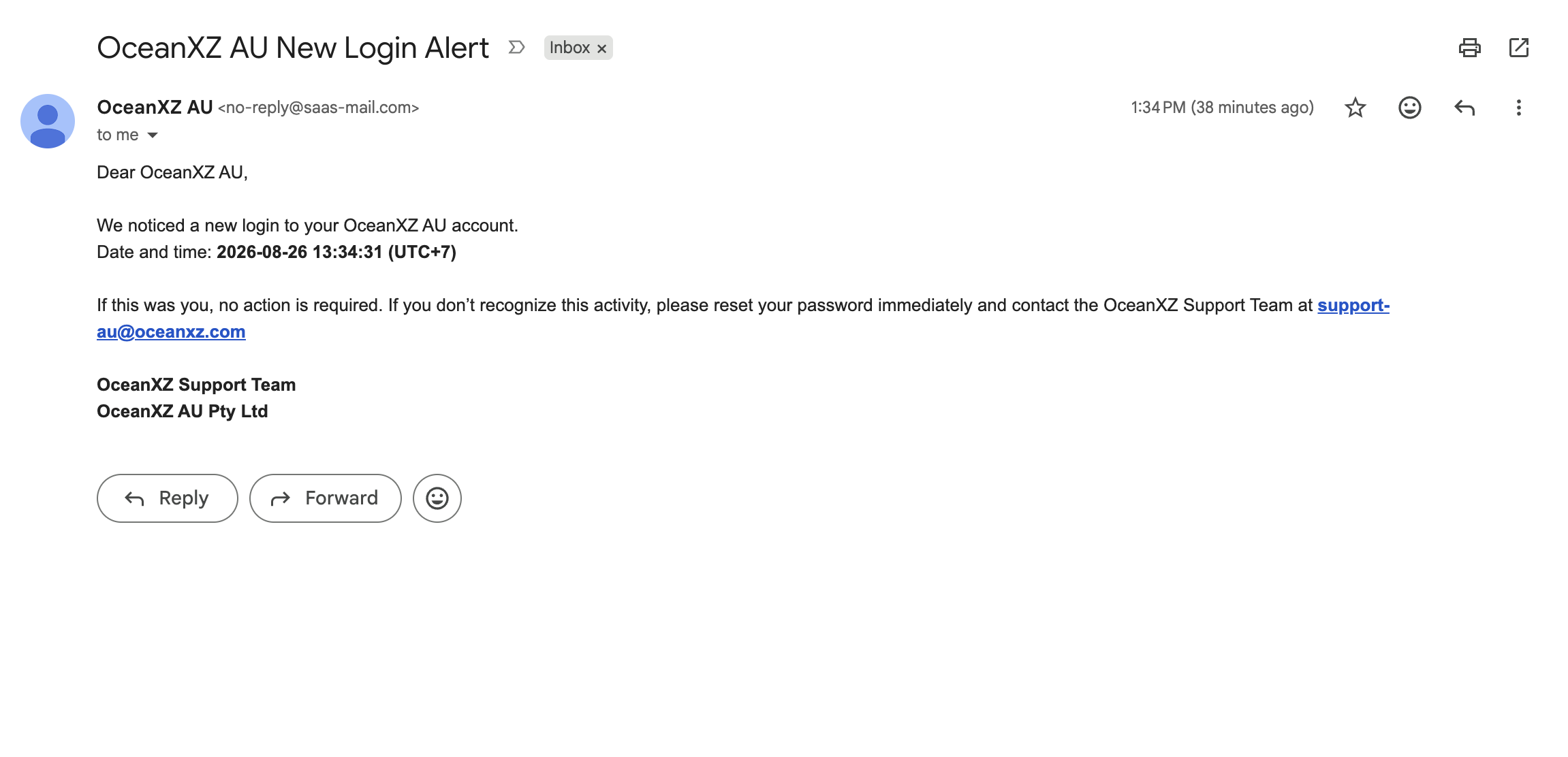
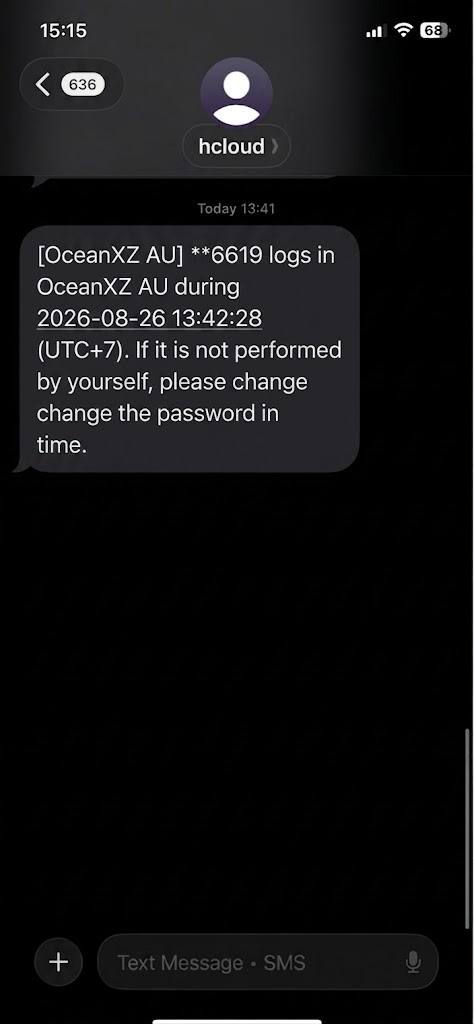
Once your registration is successful, you'll be automatically redirected to the OceanXZ homepage, and the system will automatically log you in to your newly created account. You will also receive a "New Login Alert" email confirming that the login was successful.
Noted: You can confirm that you are logged in by checking the top-right menu, where options such as Wallet, Order, and your profile icon are visible.
Step 4: Secure Your Account & Start Trading
To ensure a safe and smooth trading experience, we strongly recommend completing the following steps:
Secure Your Account
Protect your account by enabling additional security measures:
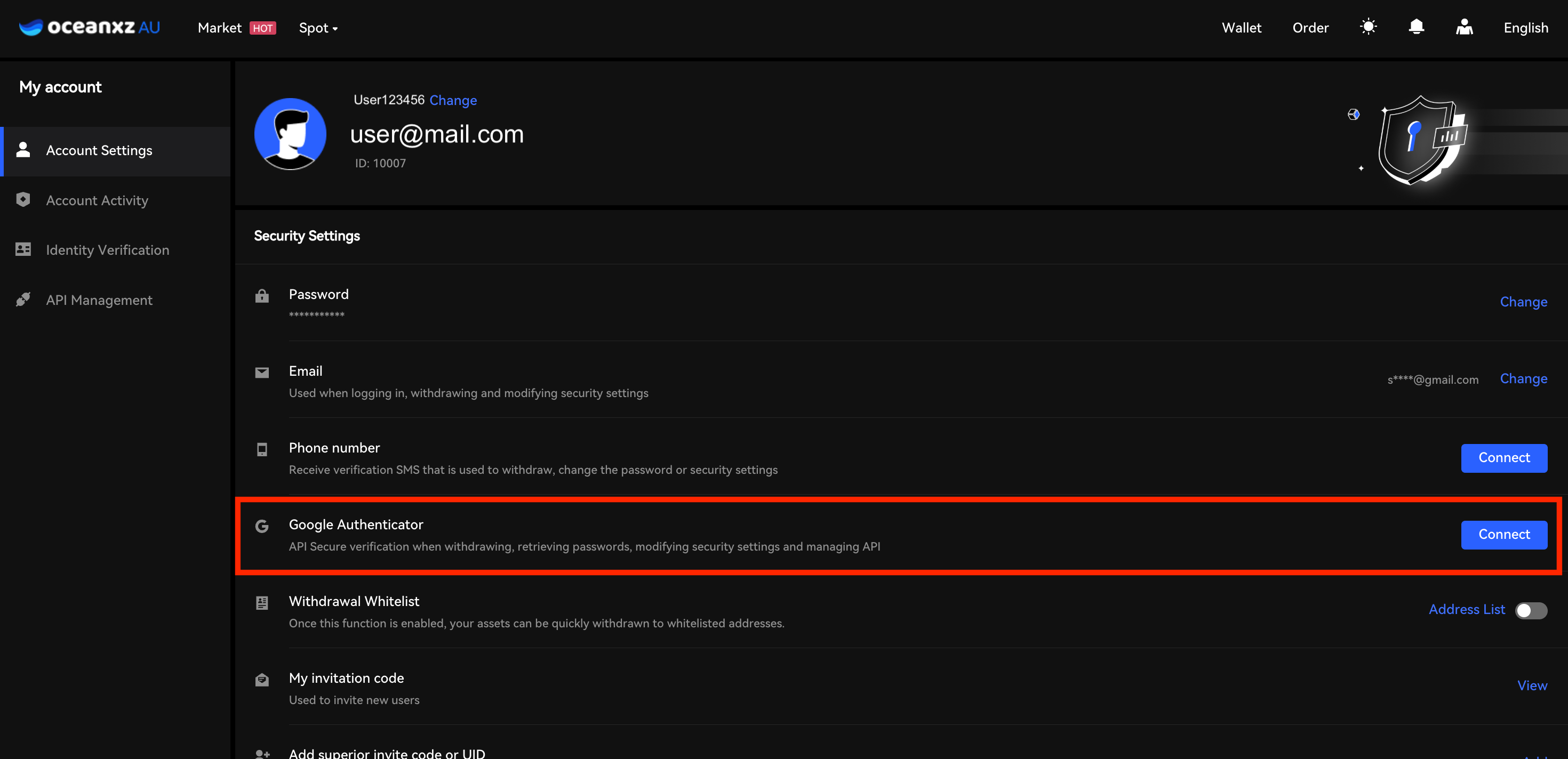
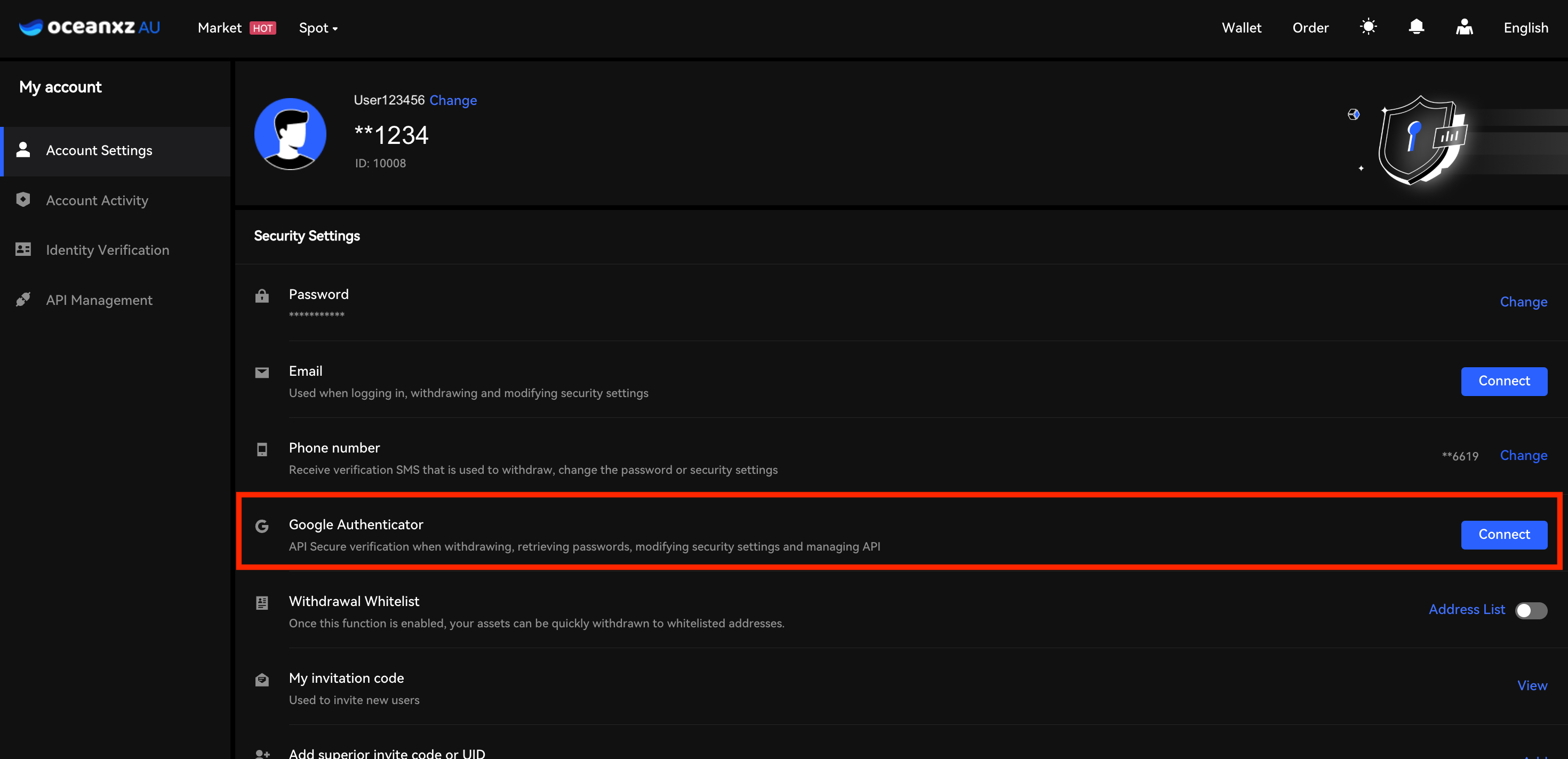
- Enable Two-Factor Authentication (2FA) via Google Authenticator
Add an extra layer of security by linking your account to Google Authenticator to prevent unauthorized access.
View the step-by-step guide here.
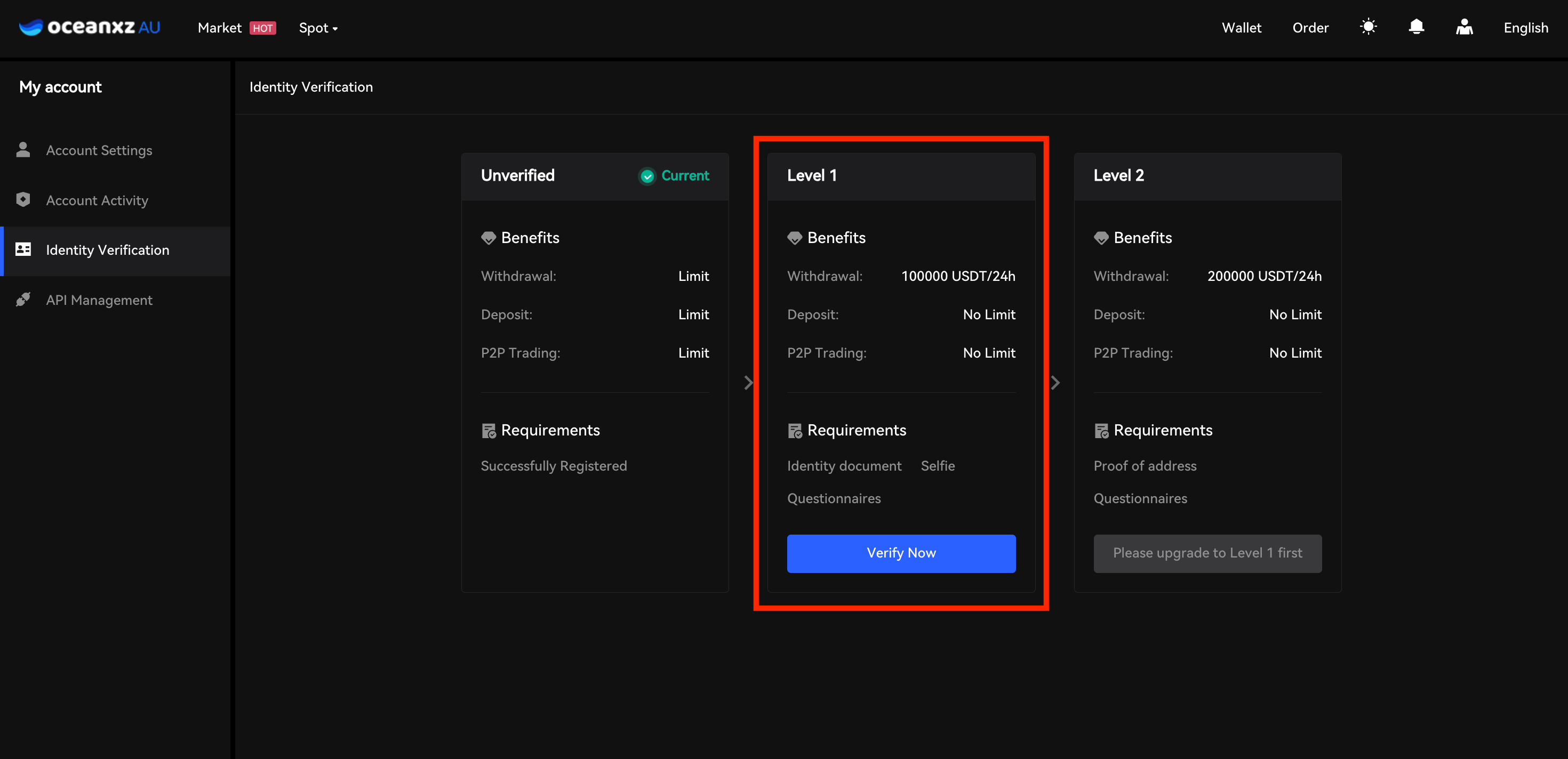
- Complete Identity Verification (KYC)
Verify your identity to unlock full platform features and increase account security.
View the step-by-step guide here
Start Trading
Once your account is secured, you can begin trading on OceanXZ.
Deposit or Trading
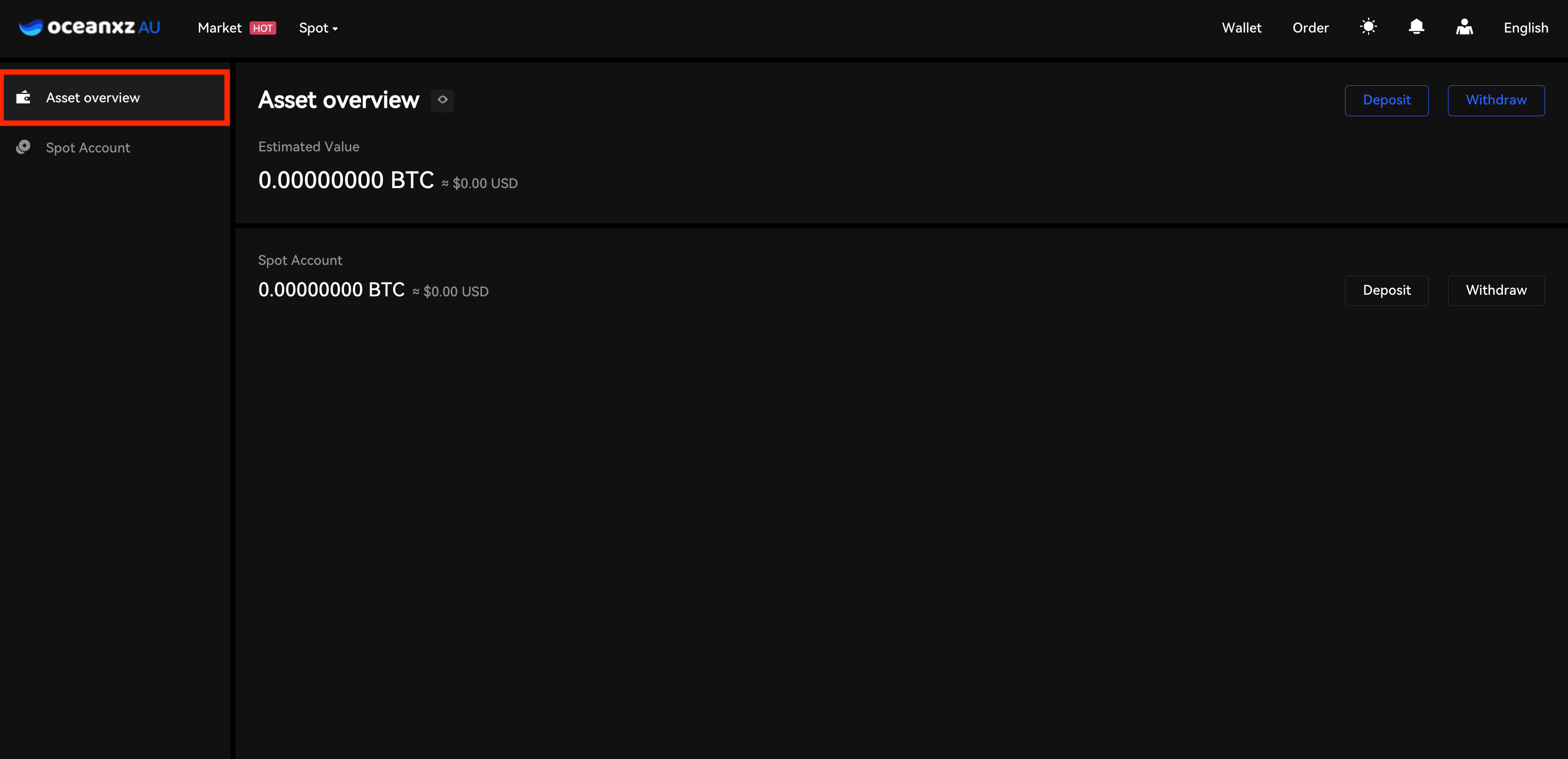
To get started, go to the Wallet section in the right-side menu to deposit funds or start trading.
- Add funds to your account by clicking the Deposit button in the Wallet section. You will be redirected to the deposit page, where you can select your preferred cryptocurrency and network.
- After funding your account, navigate to the Spot Account and click Trade next to your selected cryptocurrency. Choose your trading pair, select your order type, and place your first trade.
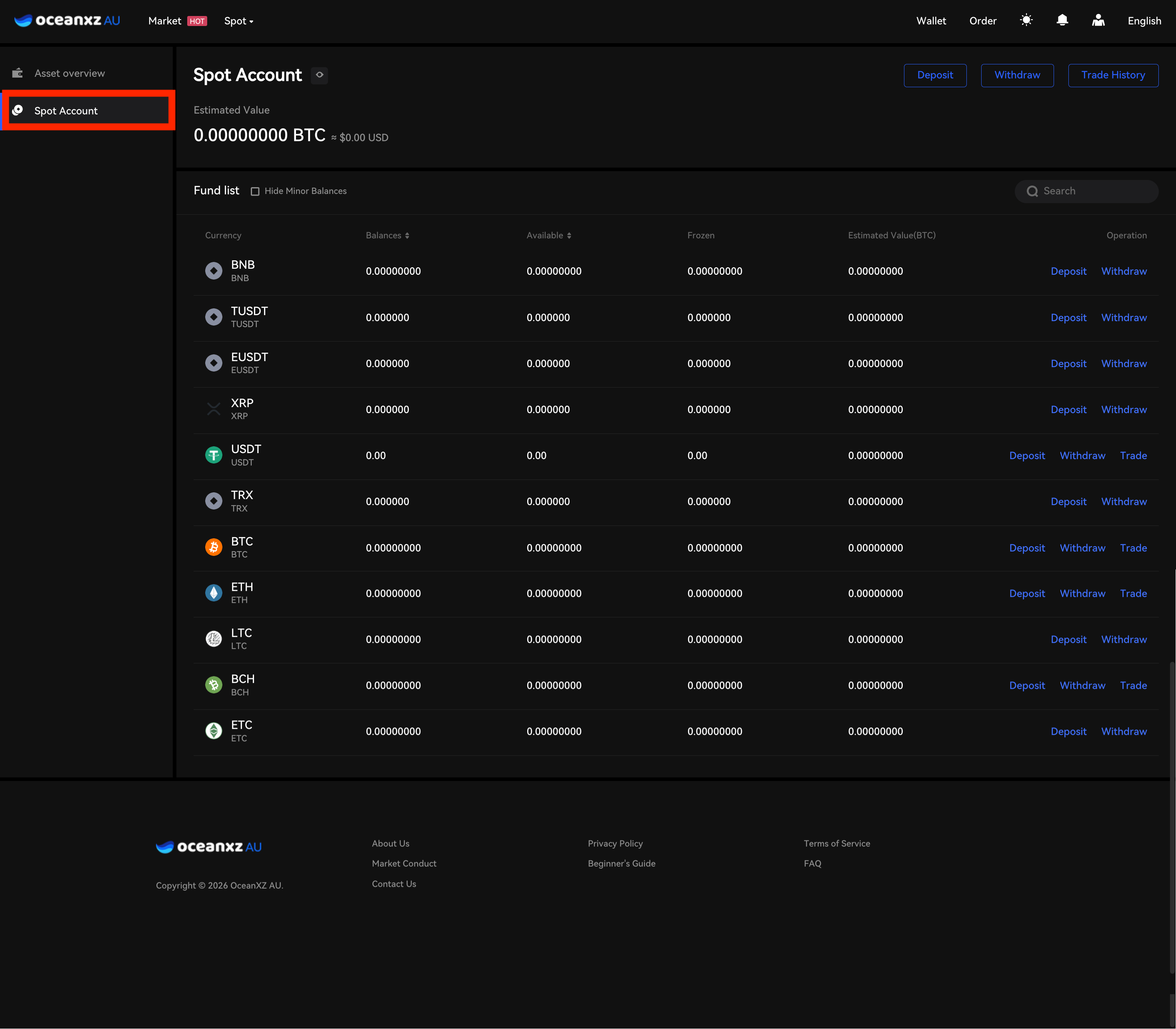 For detailed trading instructions, please refer to the Deposit Guide or Spot Trading Guide.
Comments
0 comments
Please sign in to leave a comment.