
Follow the steps below to reset your OceanXZ account password if you forget your login password.
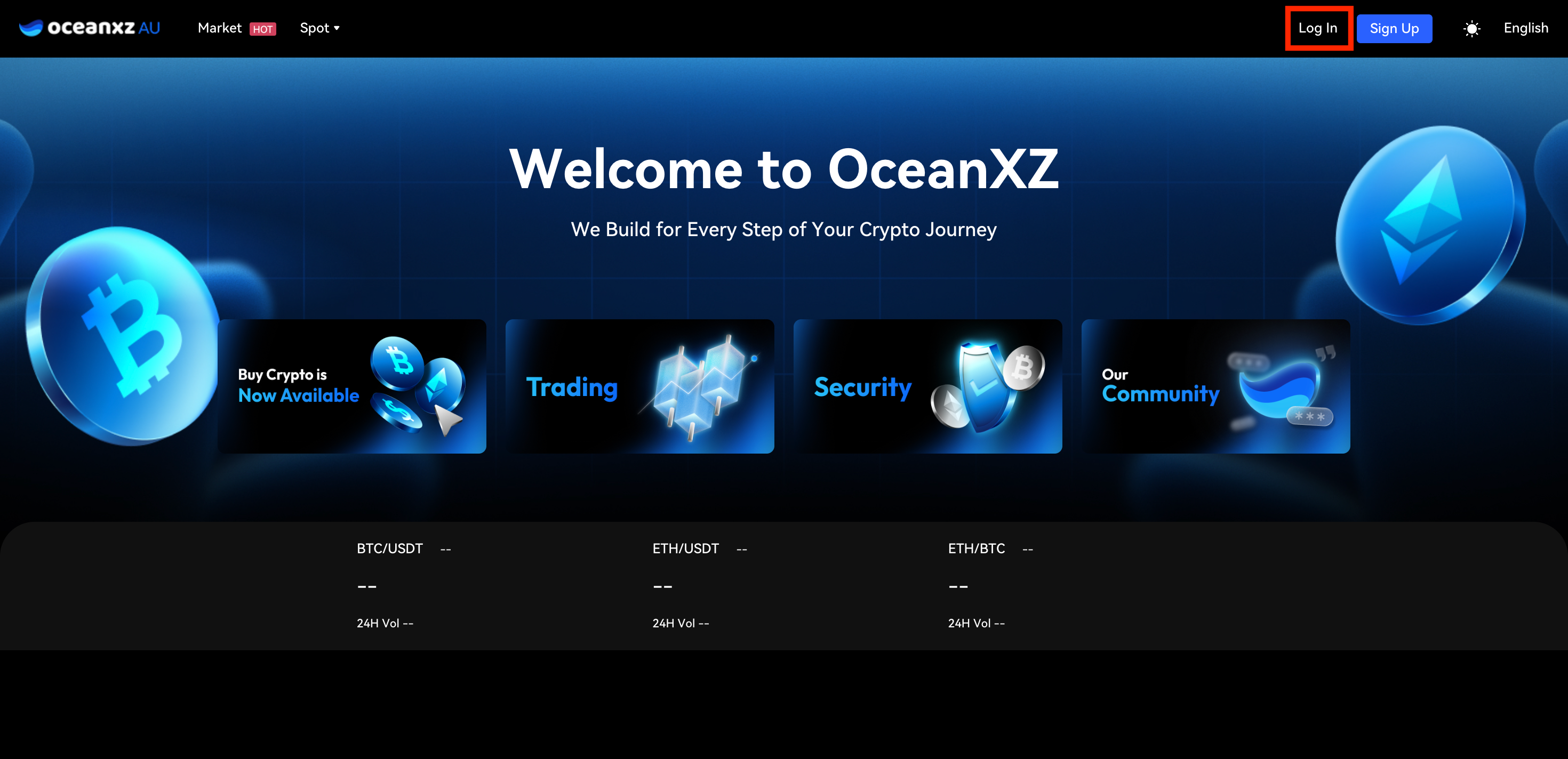
1.Access the Login Page
- Go to the OceanXZ website and stay on the login page (homepage).
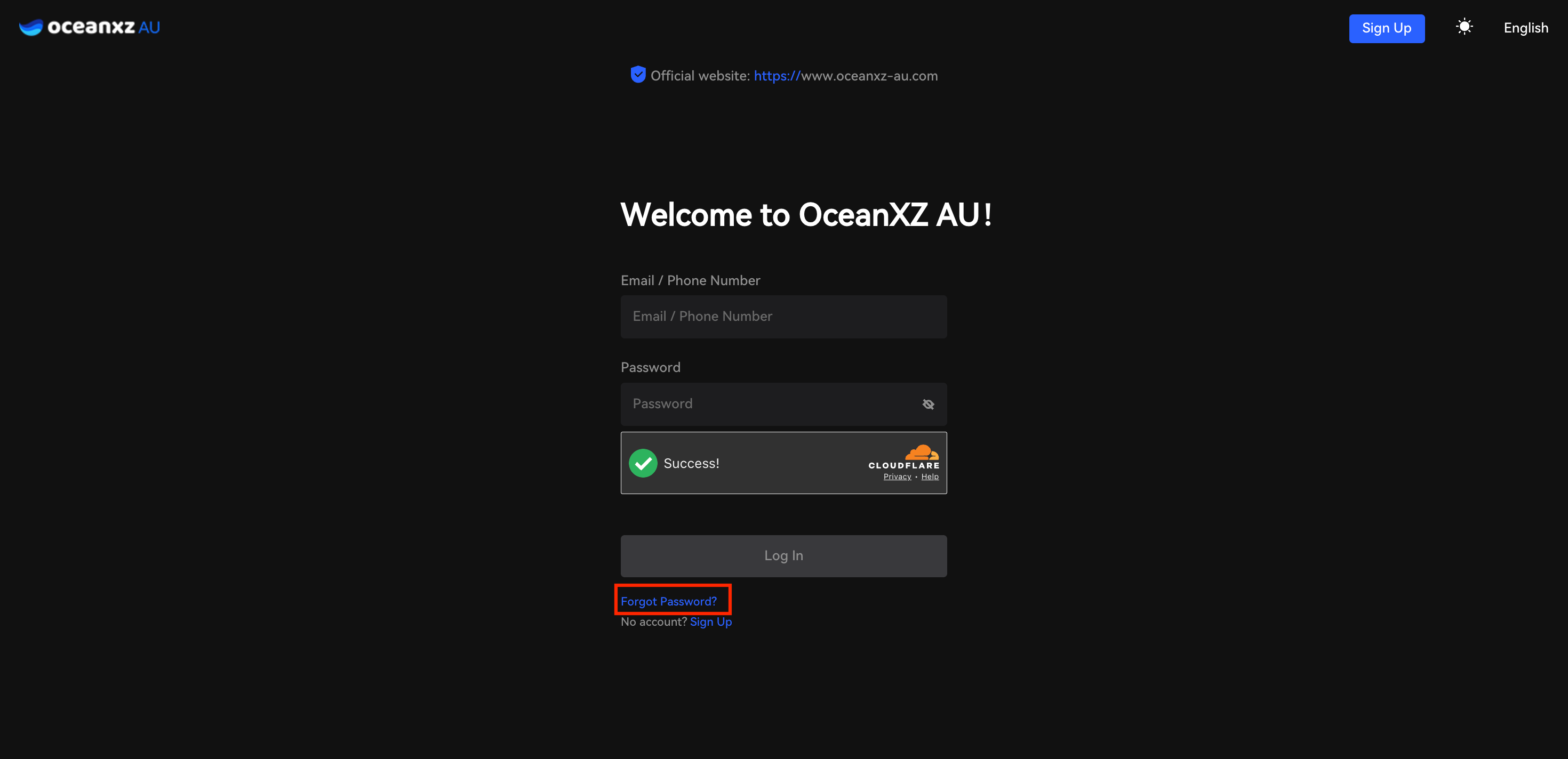
2.Click “Forgot Password”
- On the login page, click “Forgot Password” below the password field.
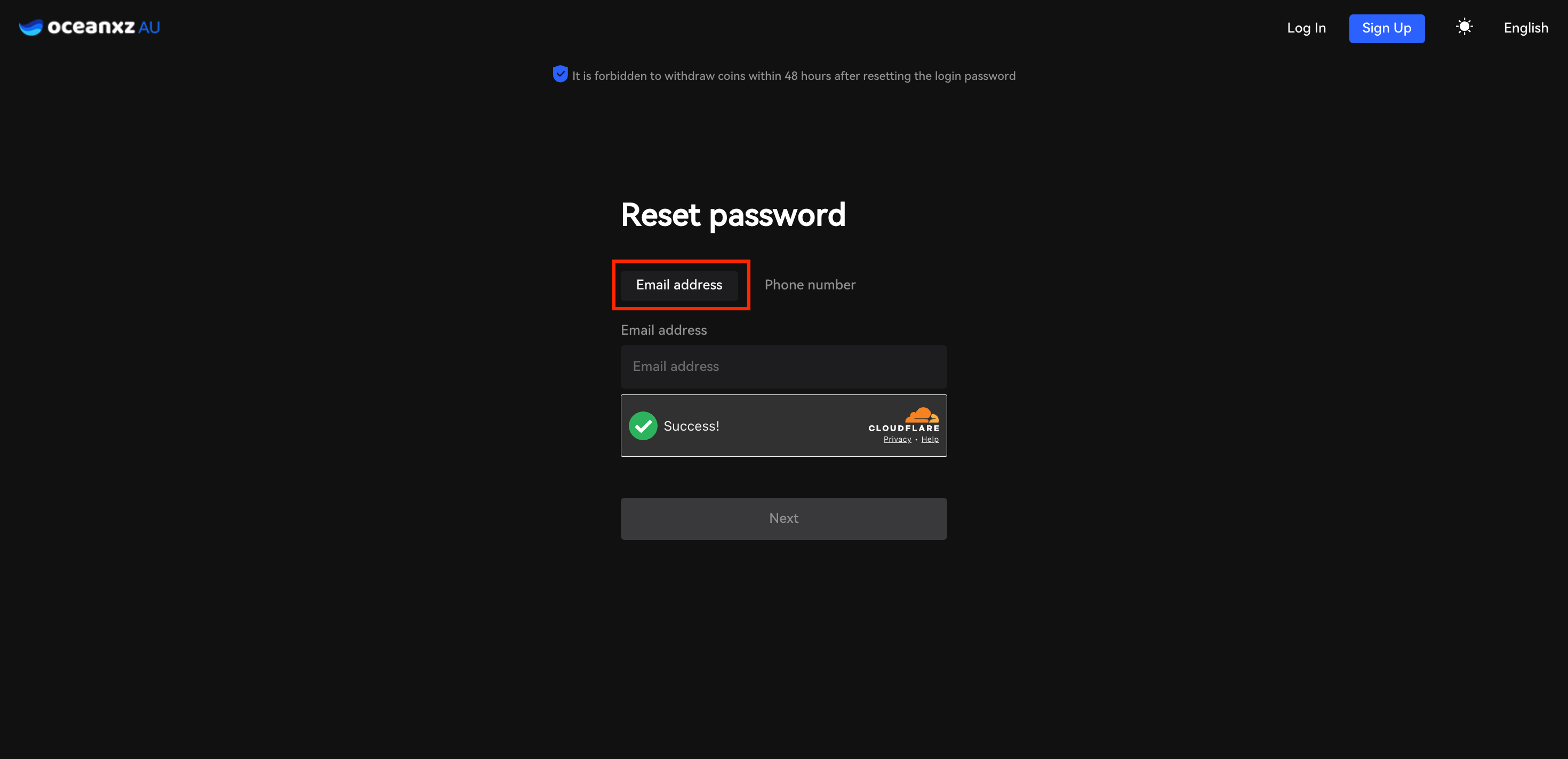
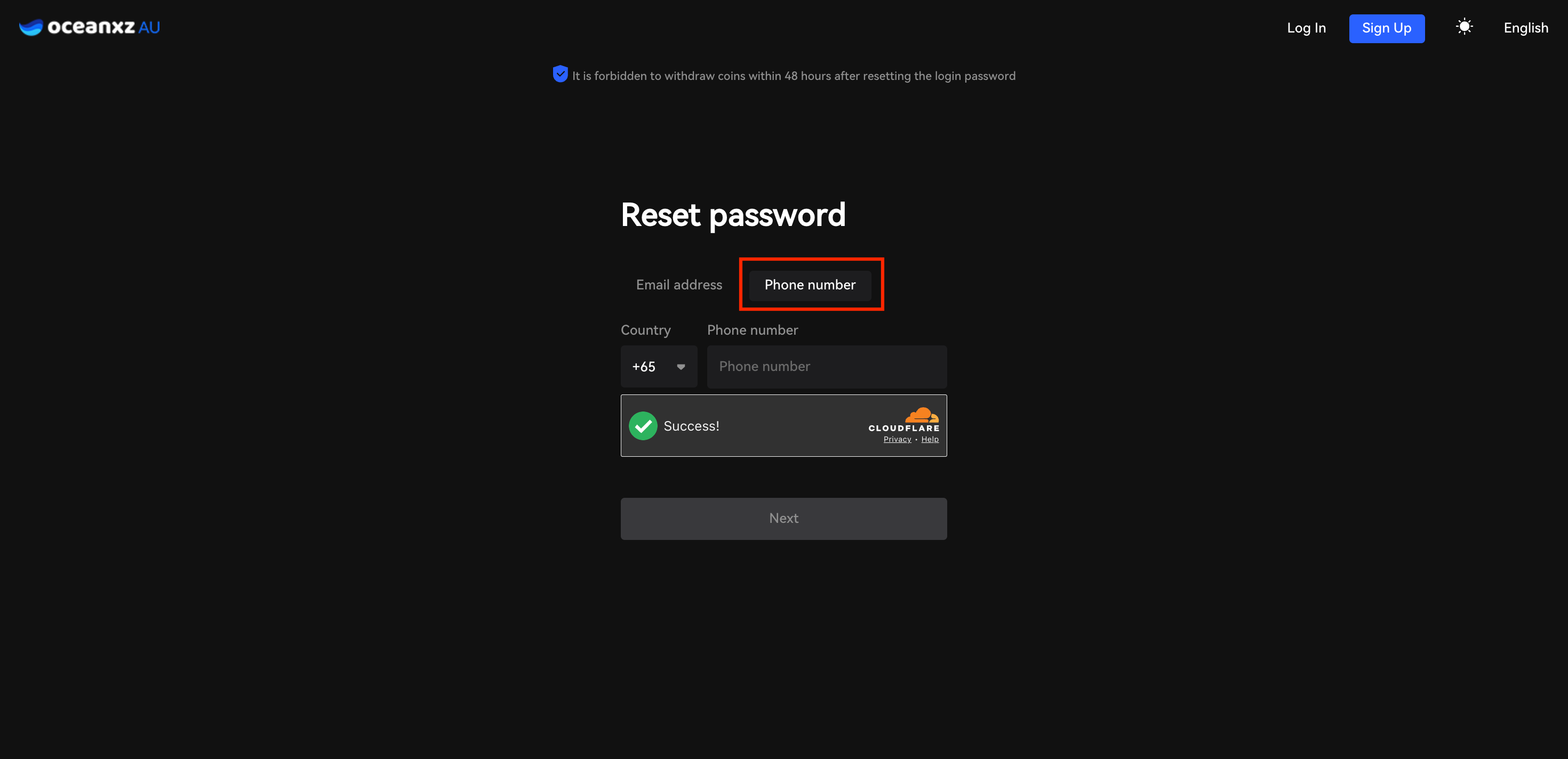
3.Enter Account Information
- Enter your registered email address or phone number, then complete the security verification.
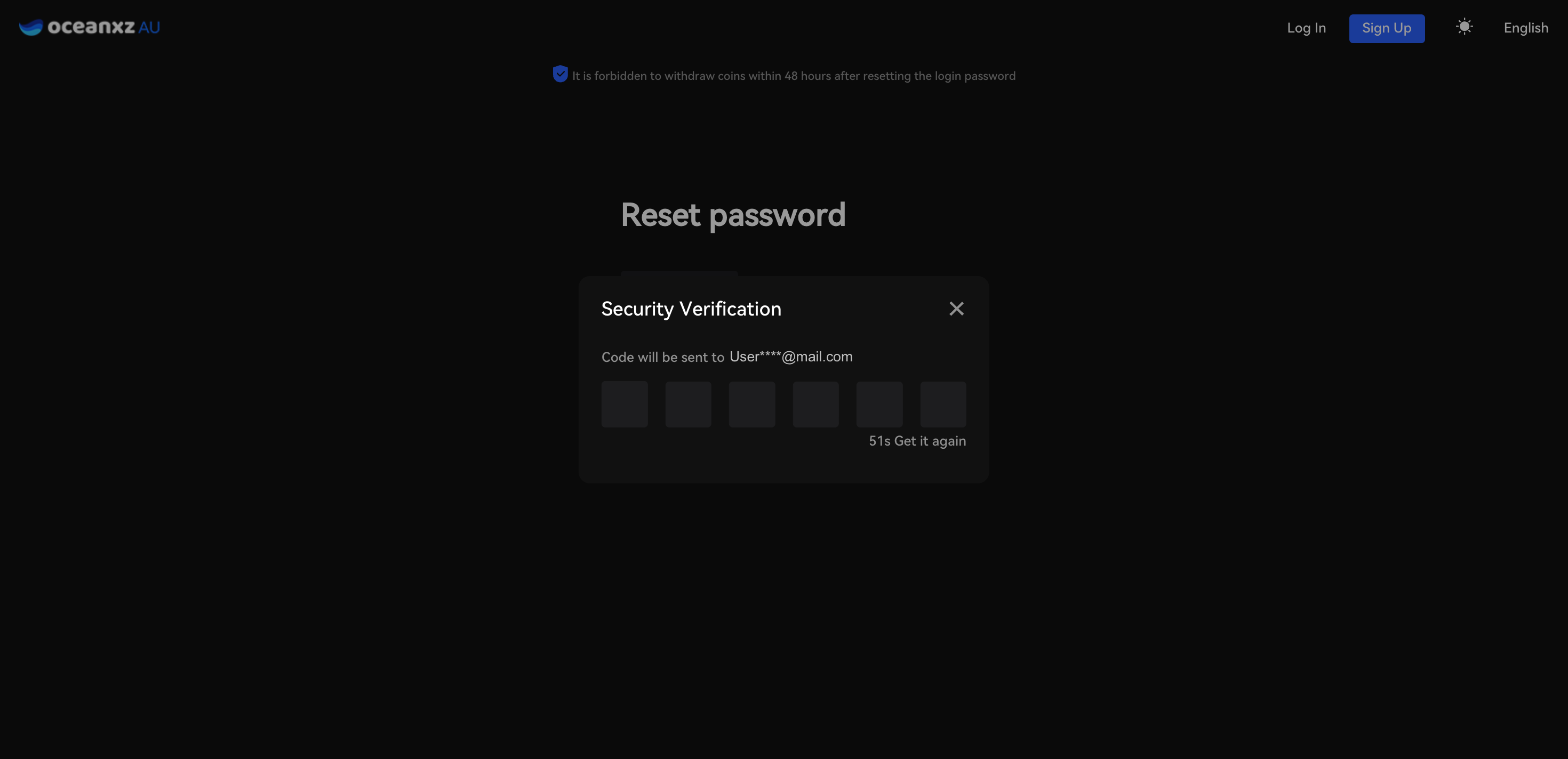
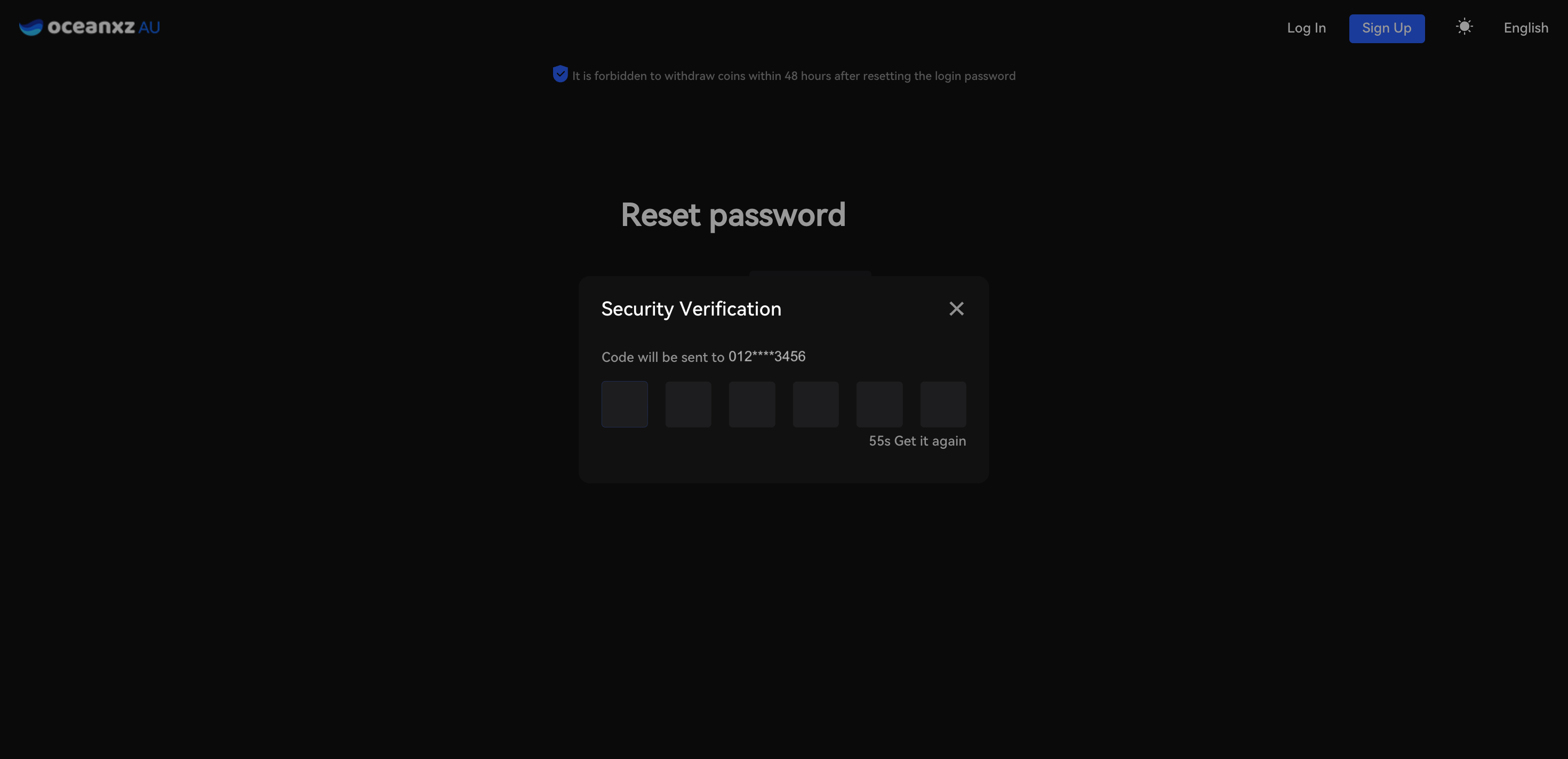
4.Enter Verification Code
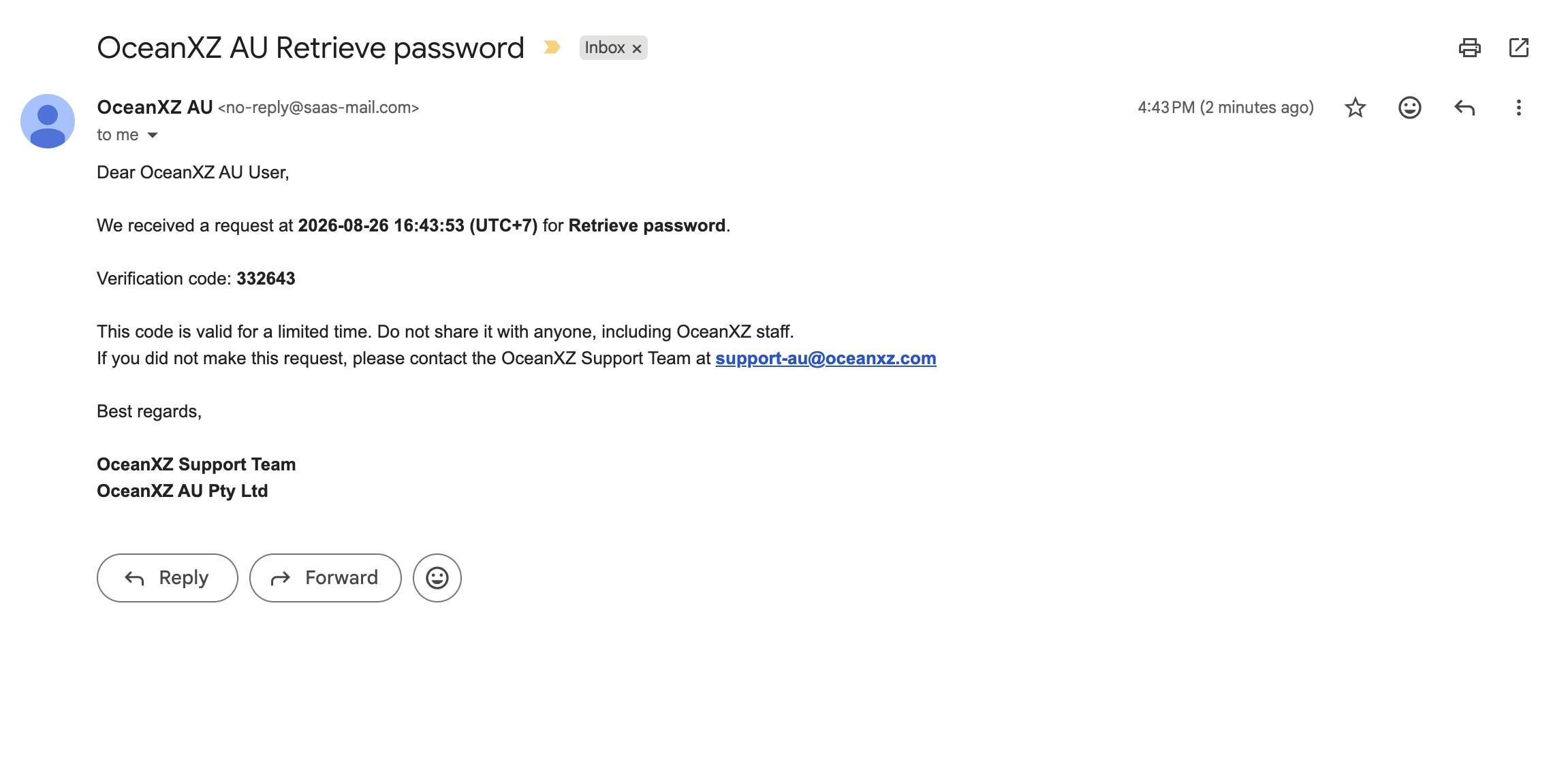
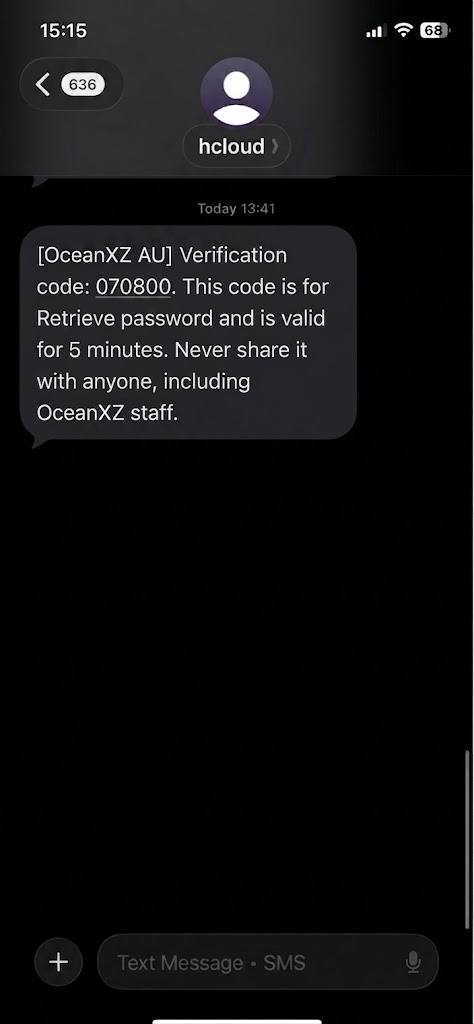
- Click “Get Code” and check your email or SMS for the verification code.
Email Example:
Phone number Example:
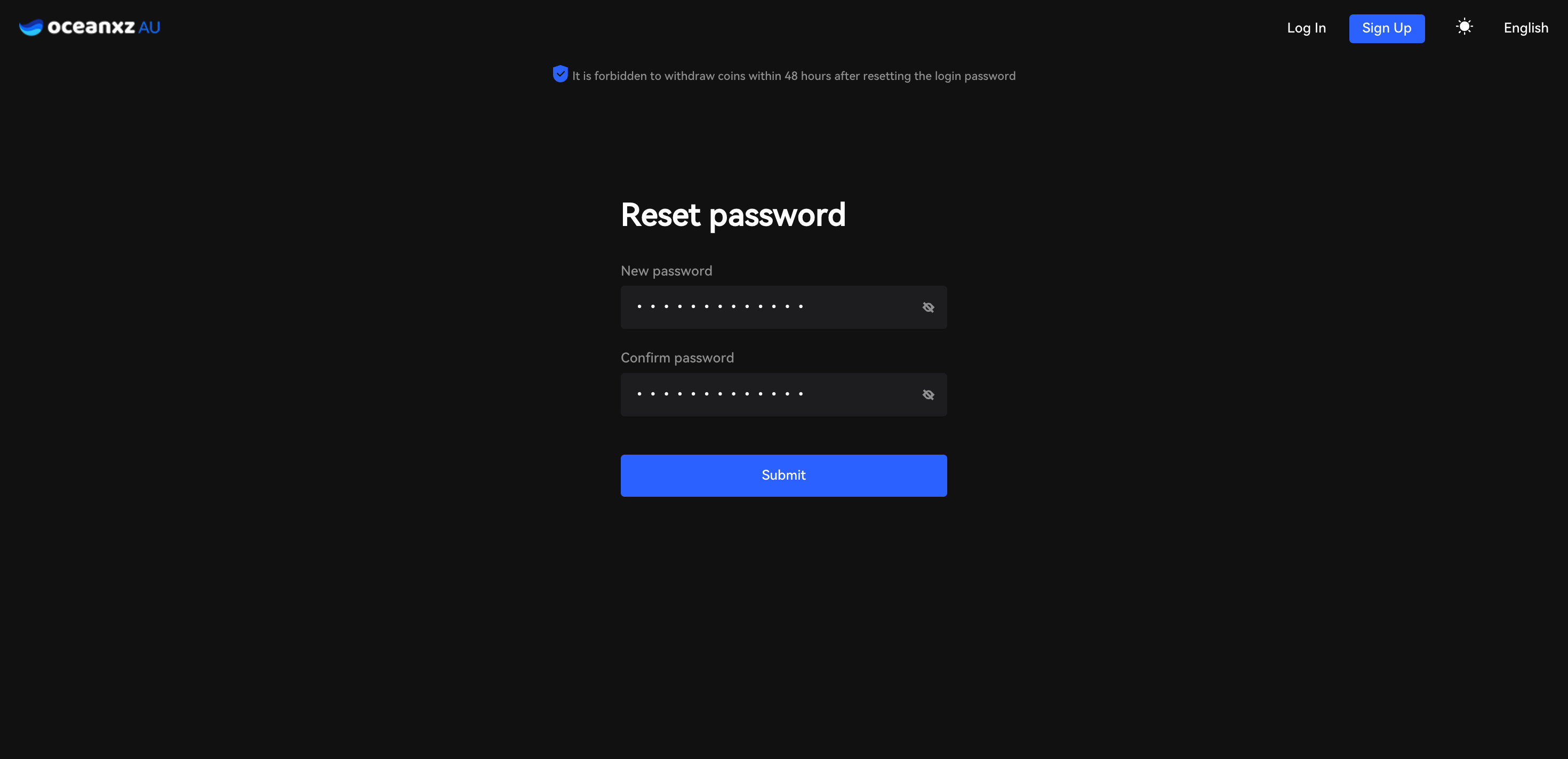
5.Set a New Password
- Enter your new password and confirm it, then click Submit to proceed.
⚠️ Note: For your account security, withdrawals will be disabled for 48 hours after changing your login password.
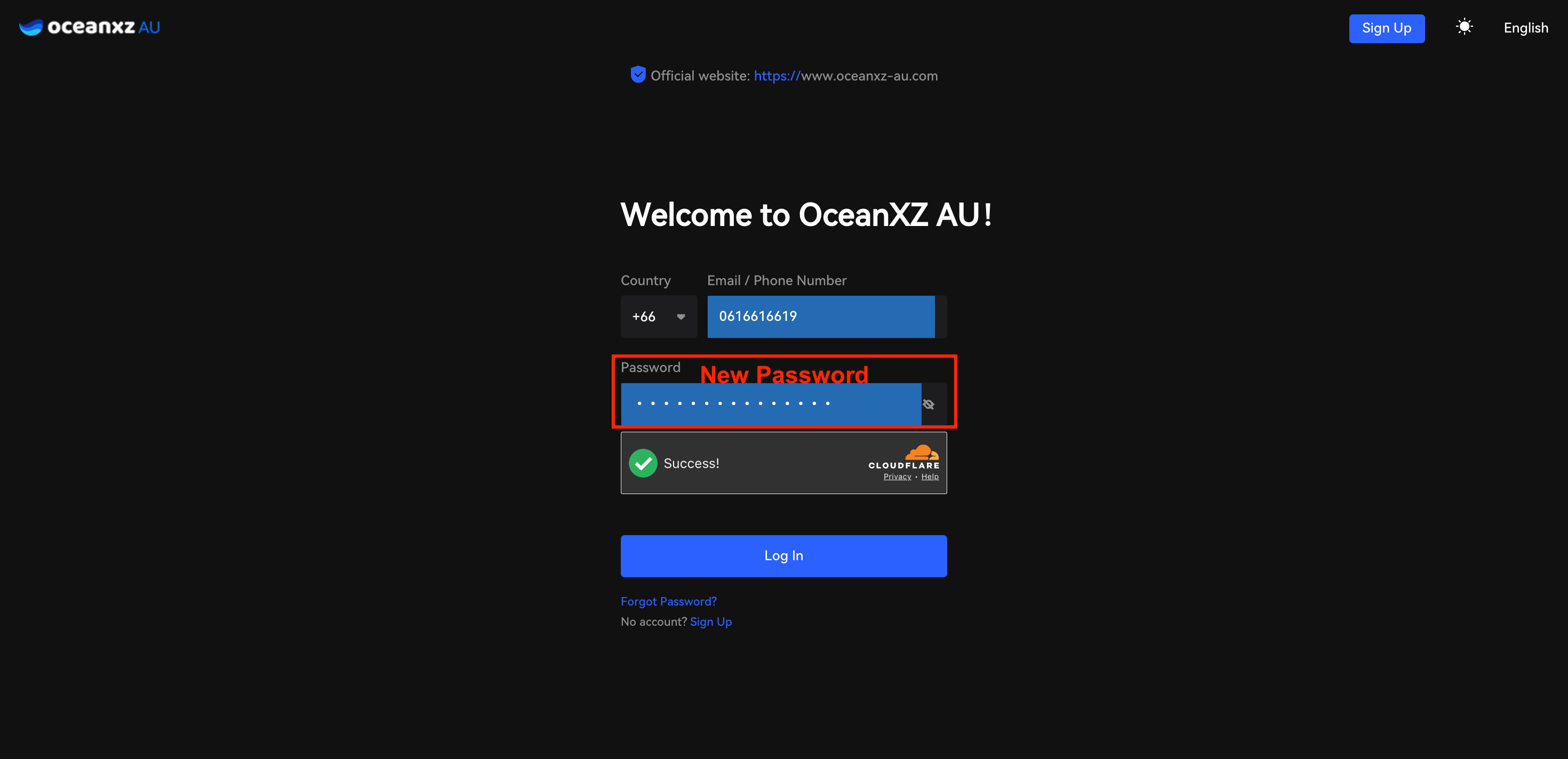
6.Login Again
- Return to the login page and sign in using your new password.
Comments
0 comments
Please sign in to leave a comment.