
What is KYC?
KYC (Know Your Customer) is an identity verification process that confirms users are real individuals. It helps prevent fraud and ensures a safe trading environment.
Why Complete KYC?
- Enhance account security
- Increase withdrawal limits
- Access full trading and P2P features
- Comply with international regulations
How to Complete KYC
Step 1: Start Identity Verification
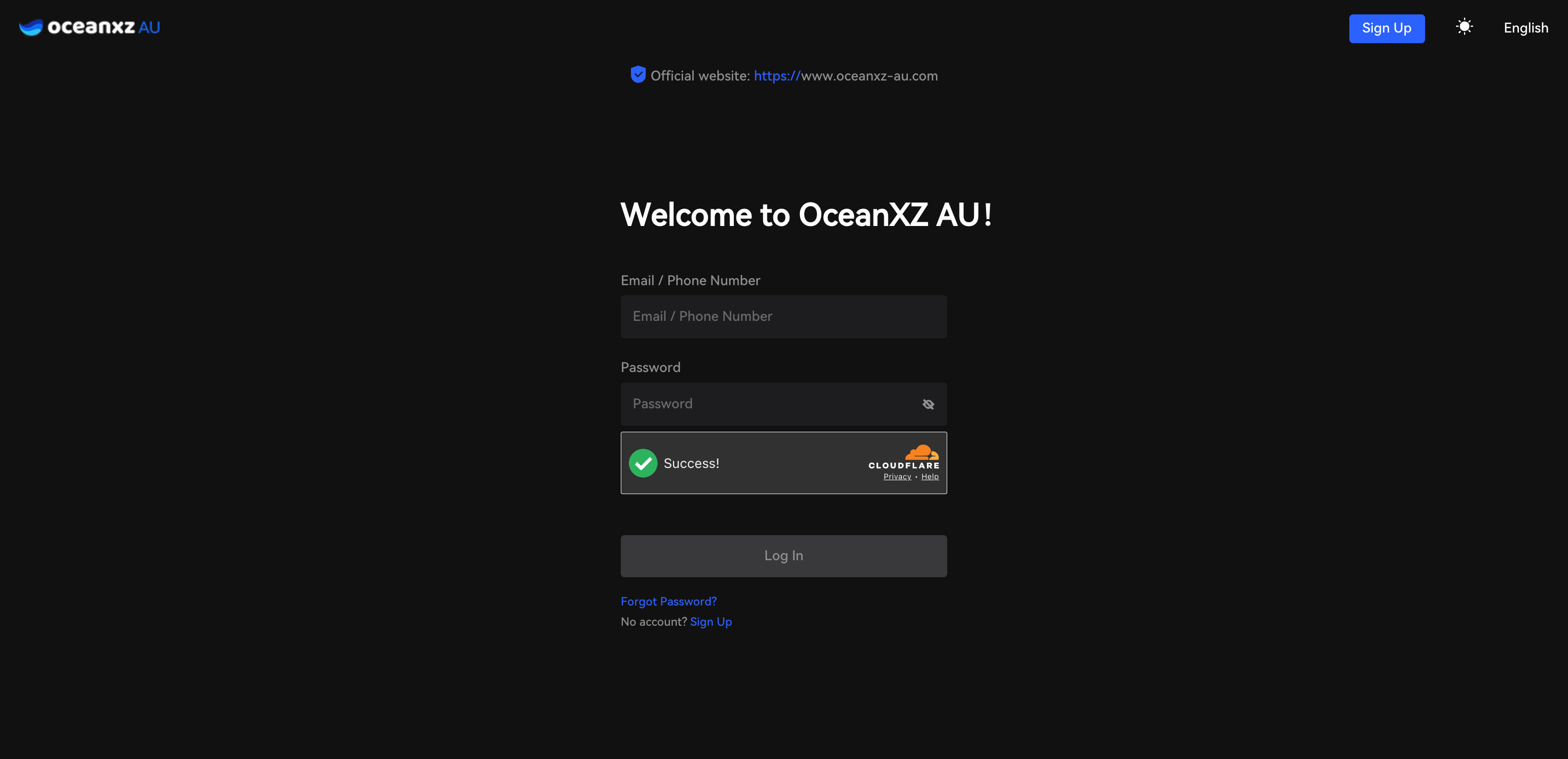
- Log in to your account (enter your email/phone number and password)
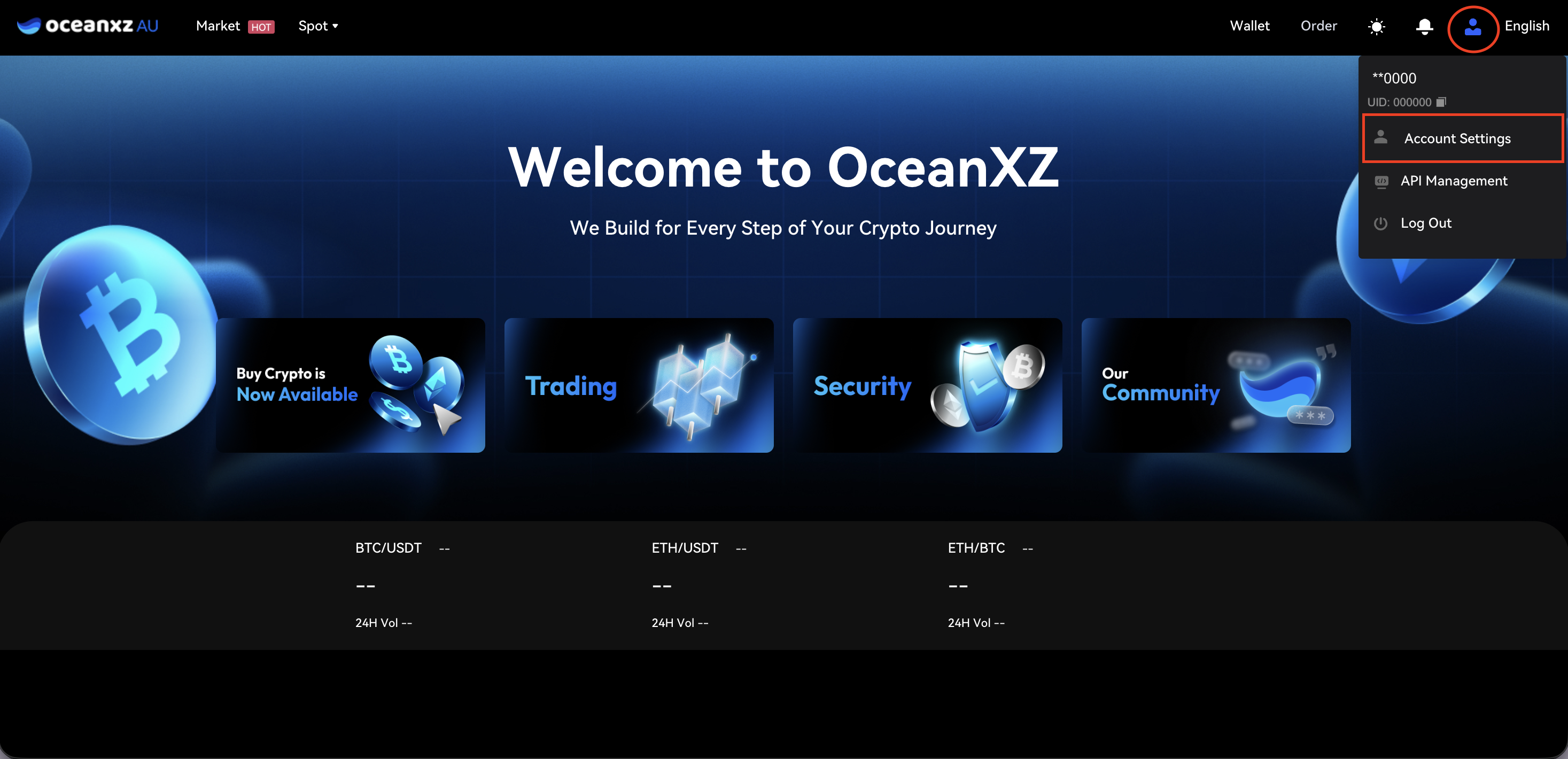
- Click the account icon in the top-right corner and select Account Settings
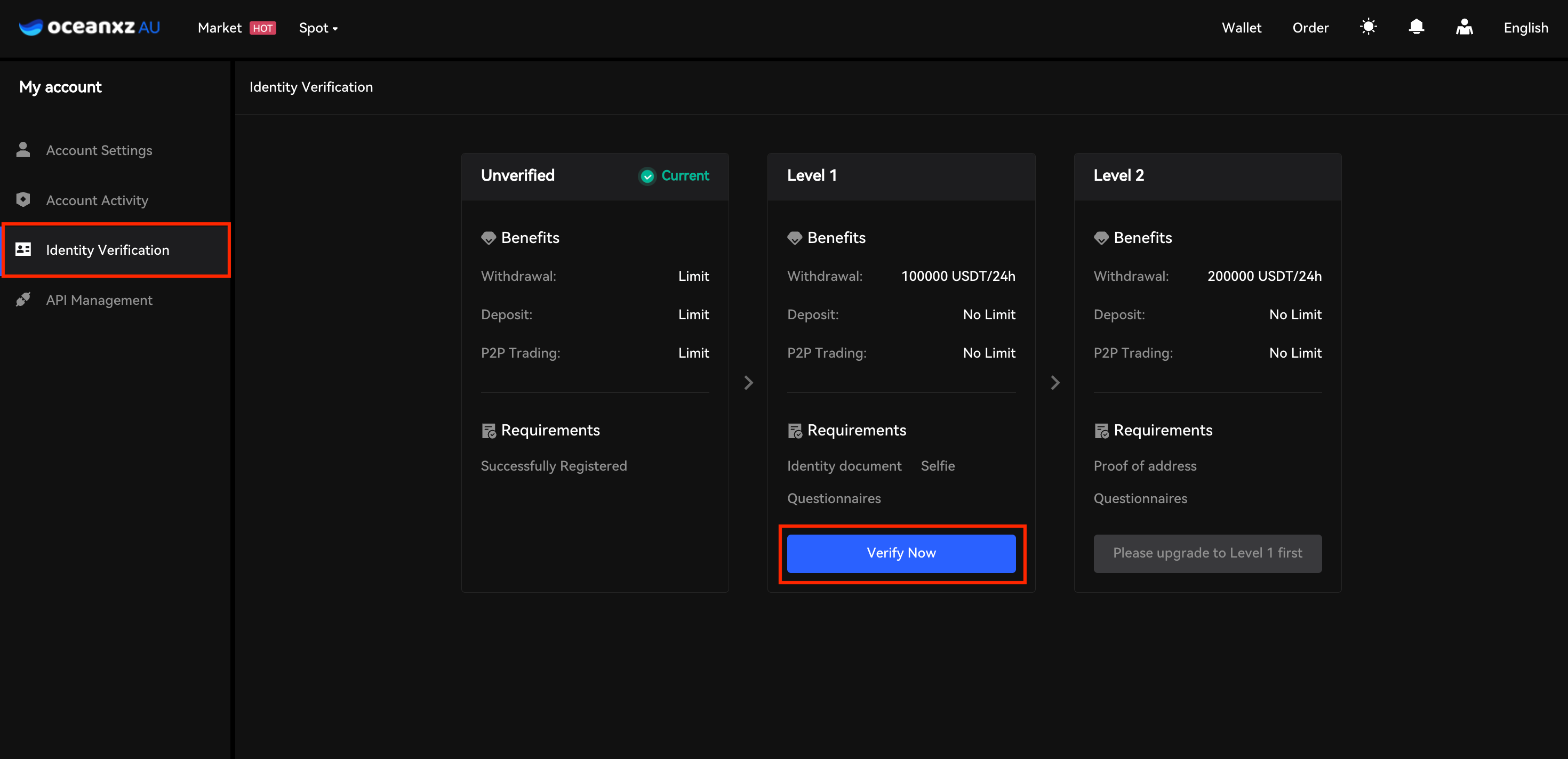
- Under Level 1, click "Verify Now"
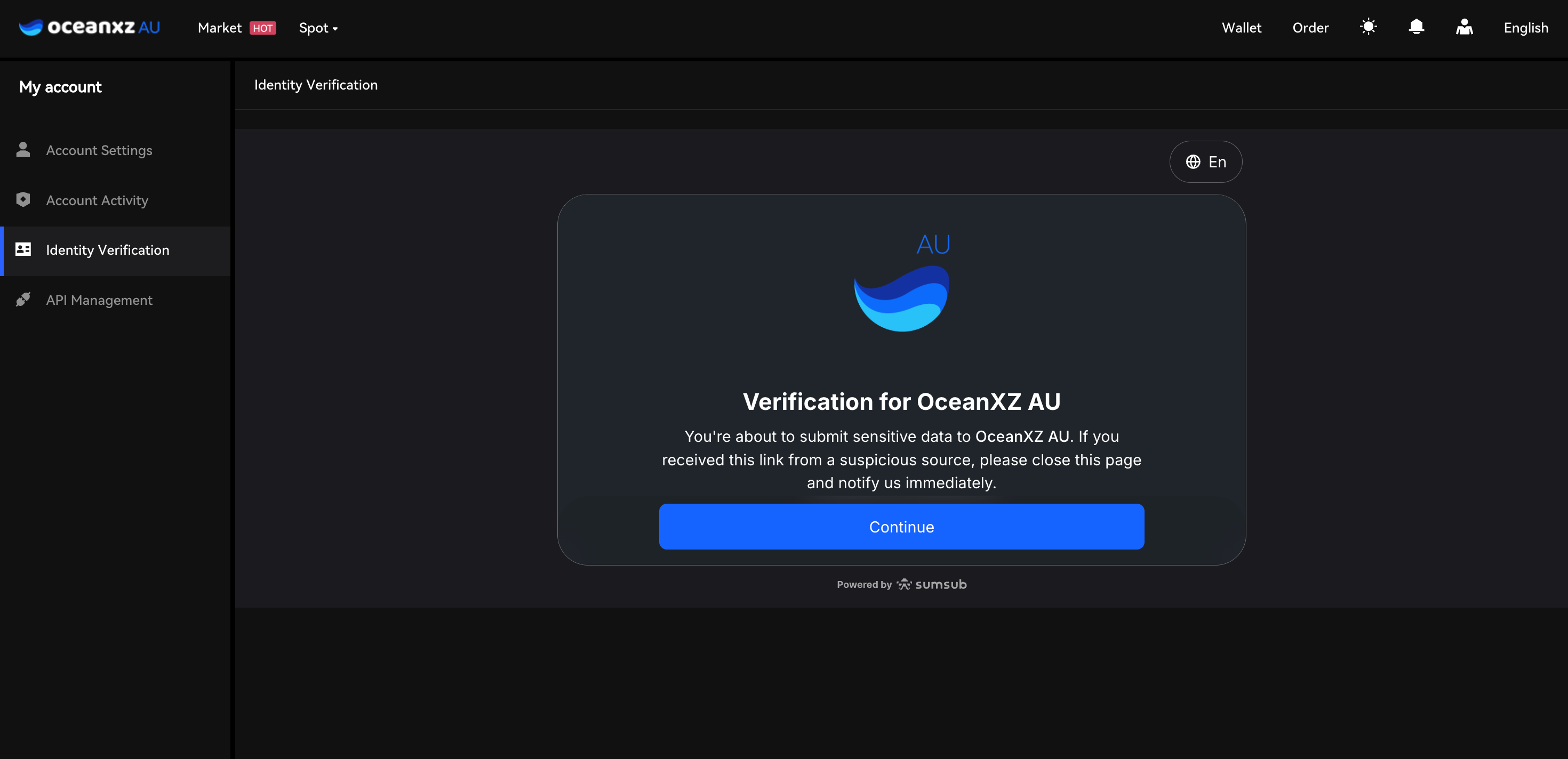
- On the security notice screen ("Verification for OceanXZ AU"), click Continue
- You'll see the "Let's get you verified" screen, which outlines 3 steps:
- Provide identity document
- Perform a liveness check
- Complete questionnaireClick "Continue" to start on this device, or "Continue on phone" to complete verification on your mobile device
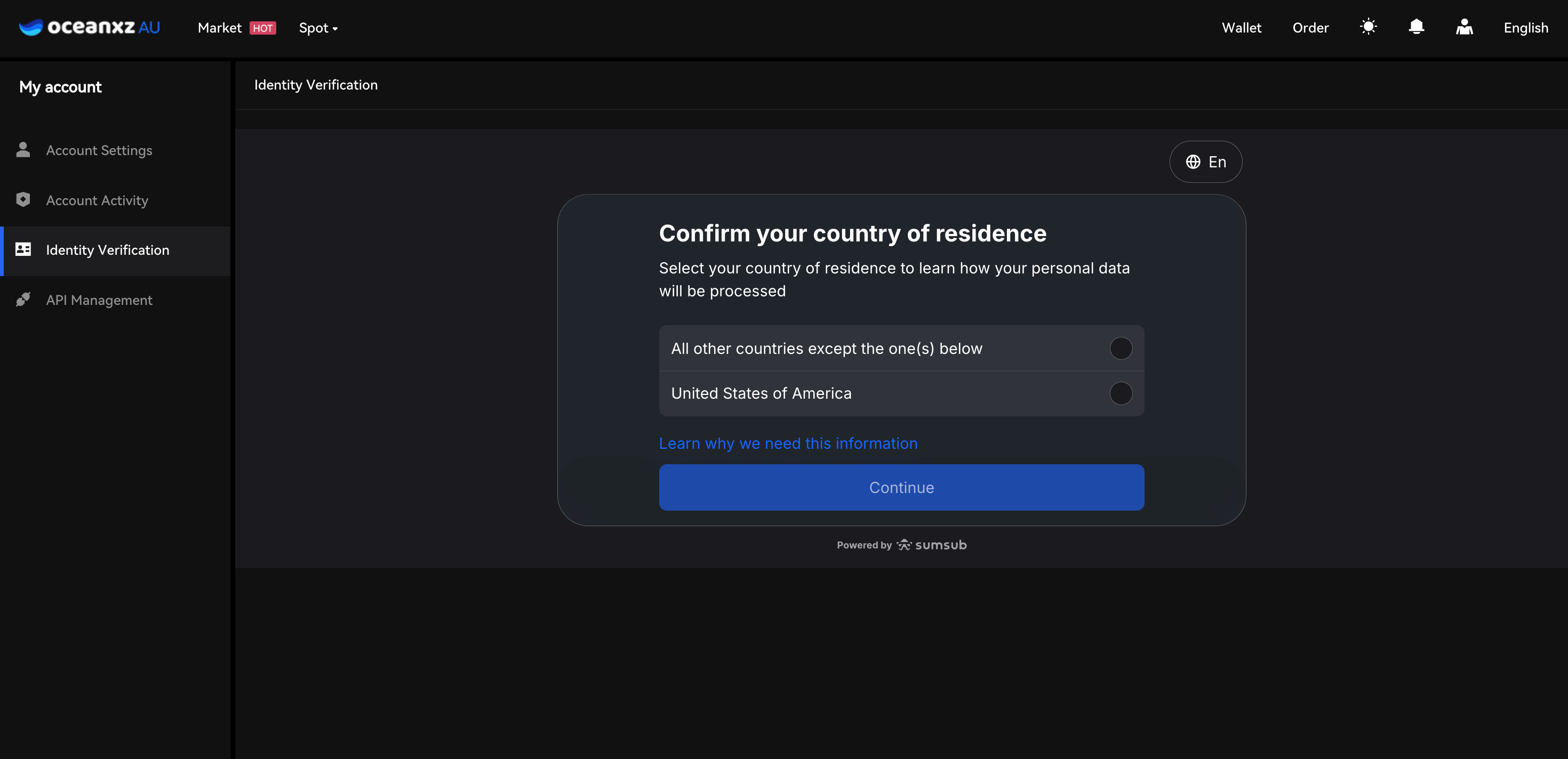
Step 2: Submit Your ID
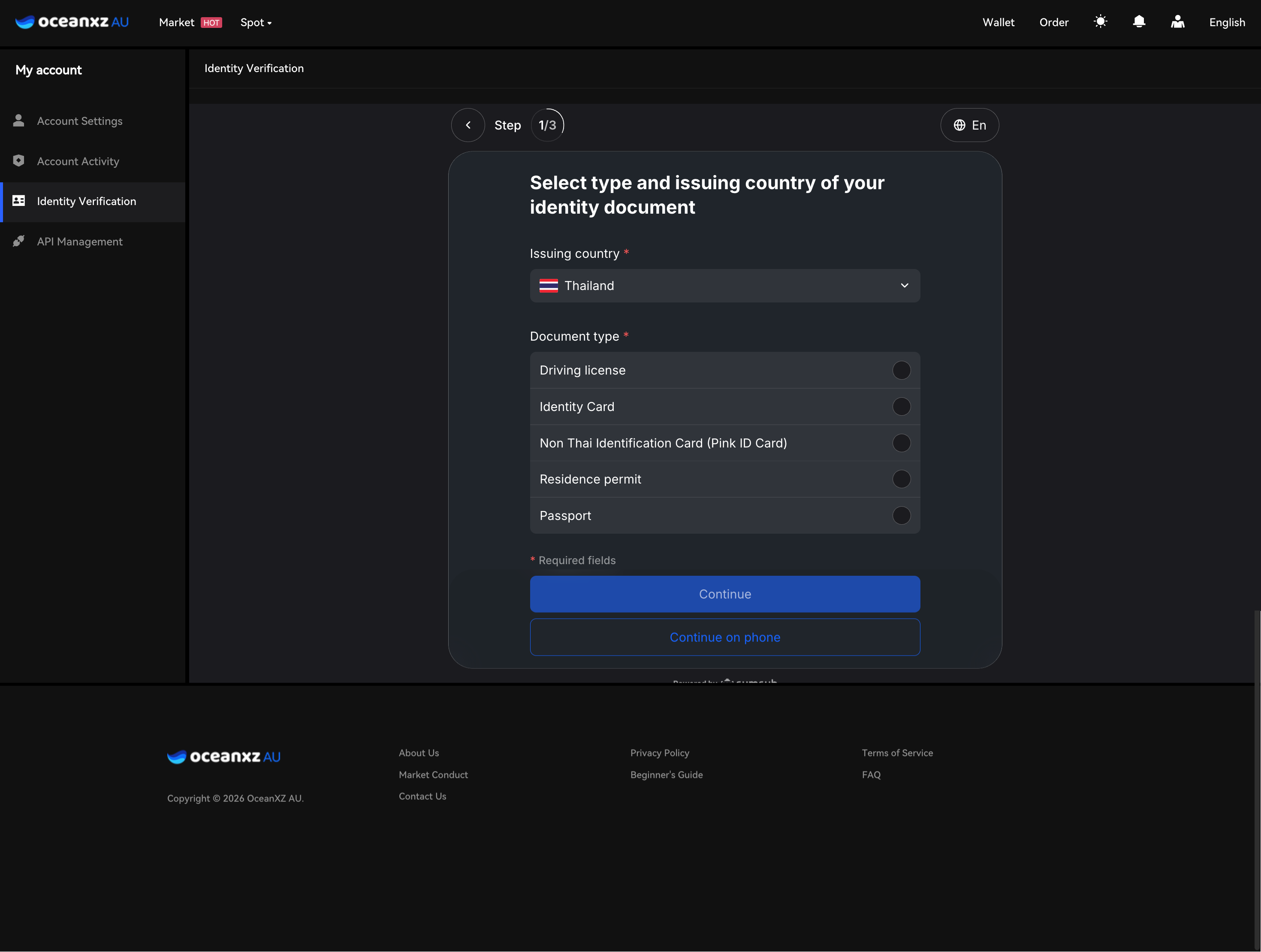
- Select the Issuing country
- Choose the Document type: Driving license / Identity Card / Non-Thai Identification Card (Pink ID Card) / Residence permit / Passport
- Click Continue
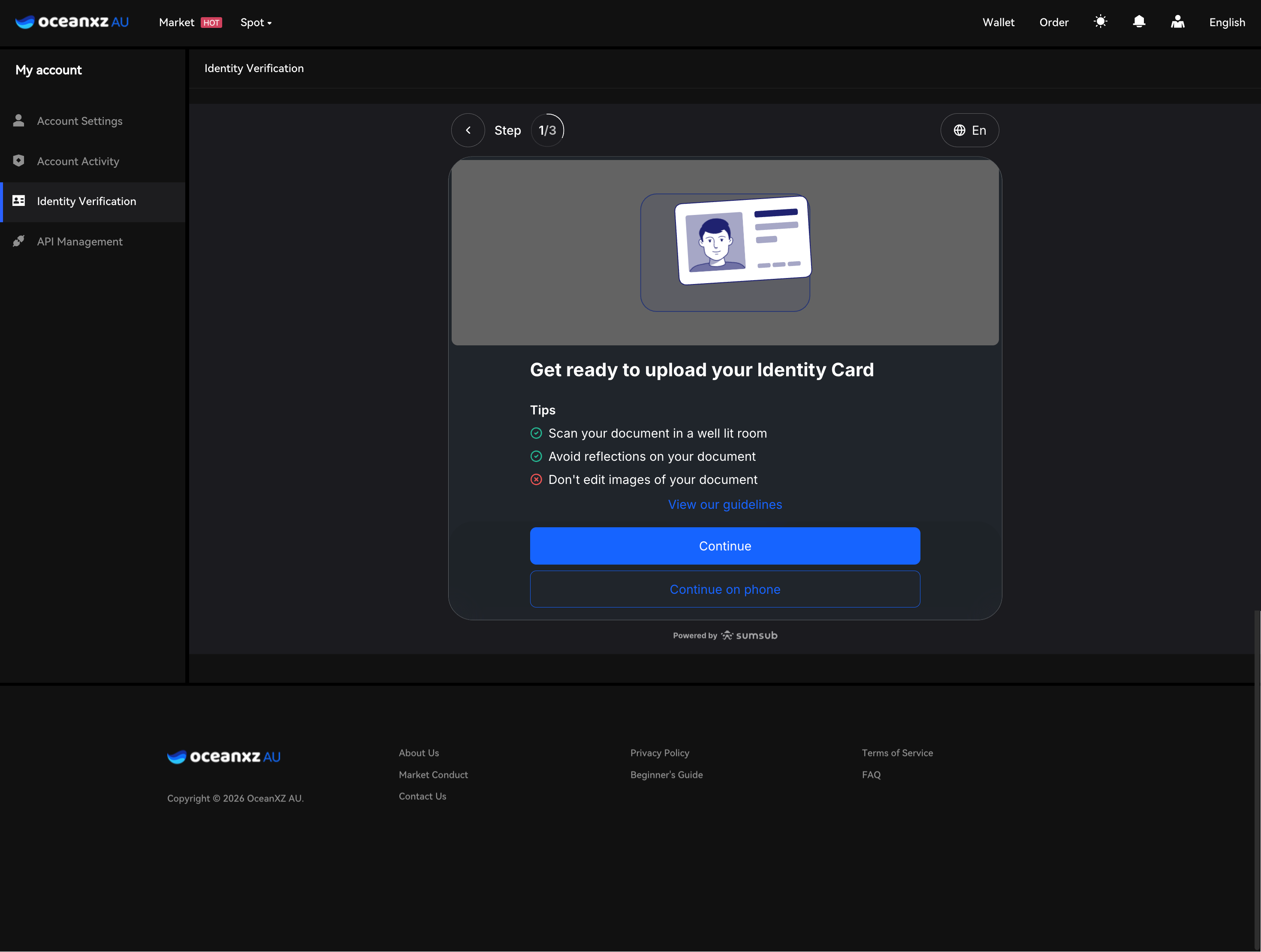
- The next screen, "Get ready to upload your Identity Card," shows these tips:
- Scan your document in a well-lit room
- Avoid reflections on your document
- Don't edit images of your document
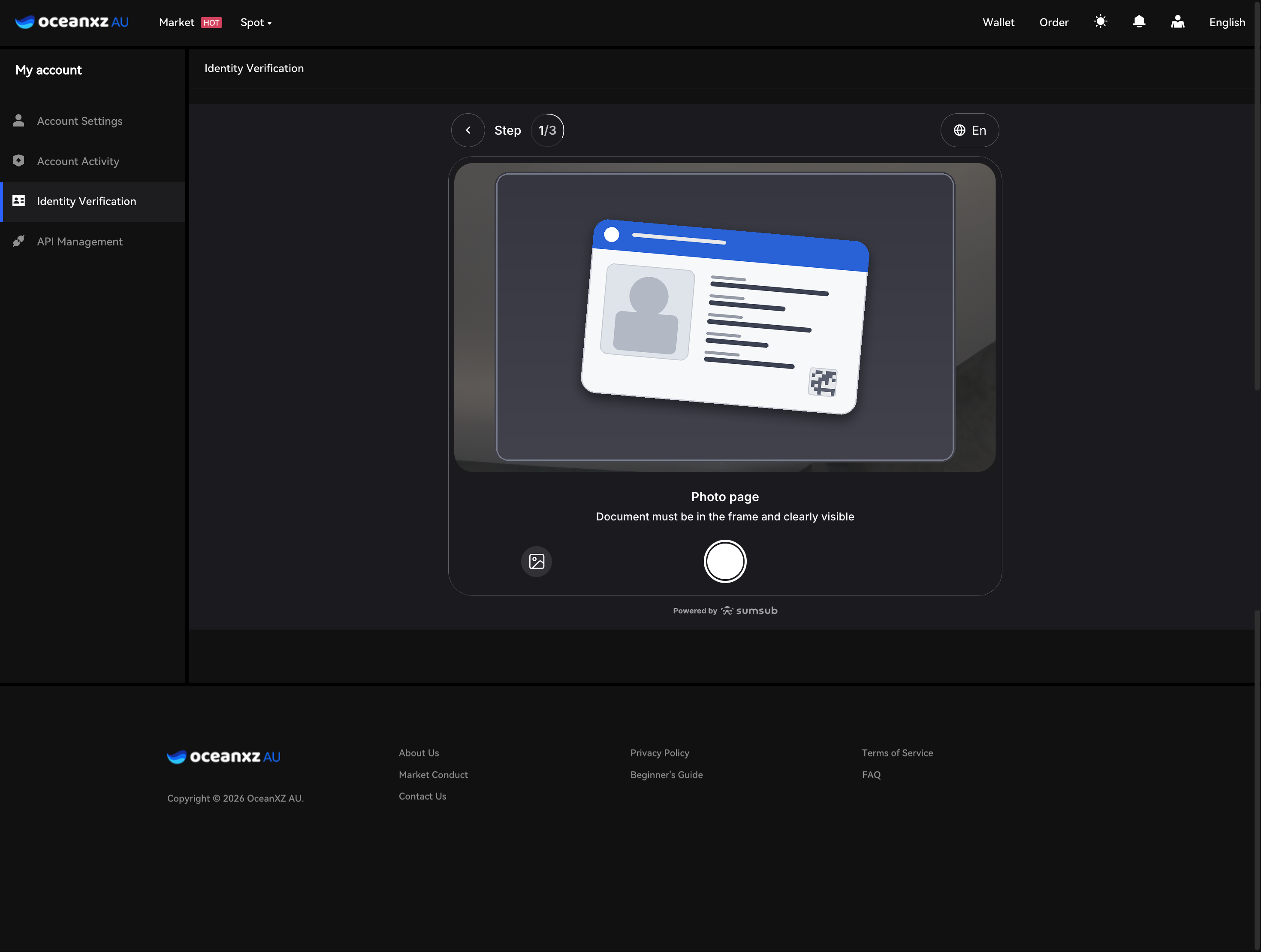
- Take or upload a photo of your document, keeping it fully within the frame and clearly visible
- Noted: Click "Continue" to start on this device, or "Continue on phone" to complete verification on your mobile device
- Take or upload a photo of your document, keeping it fully within the frame and clearly visible
Step 3: Complete Face Verification (Liveness Check)
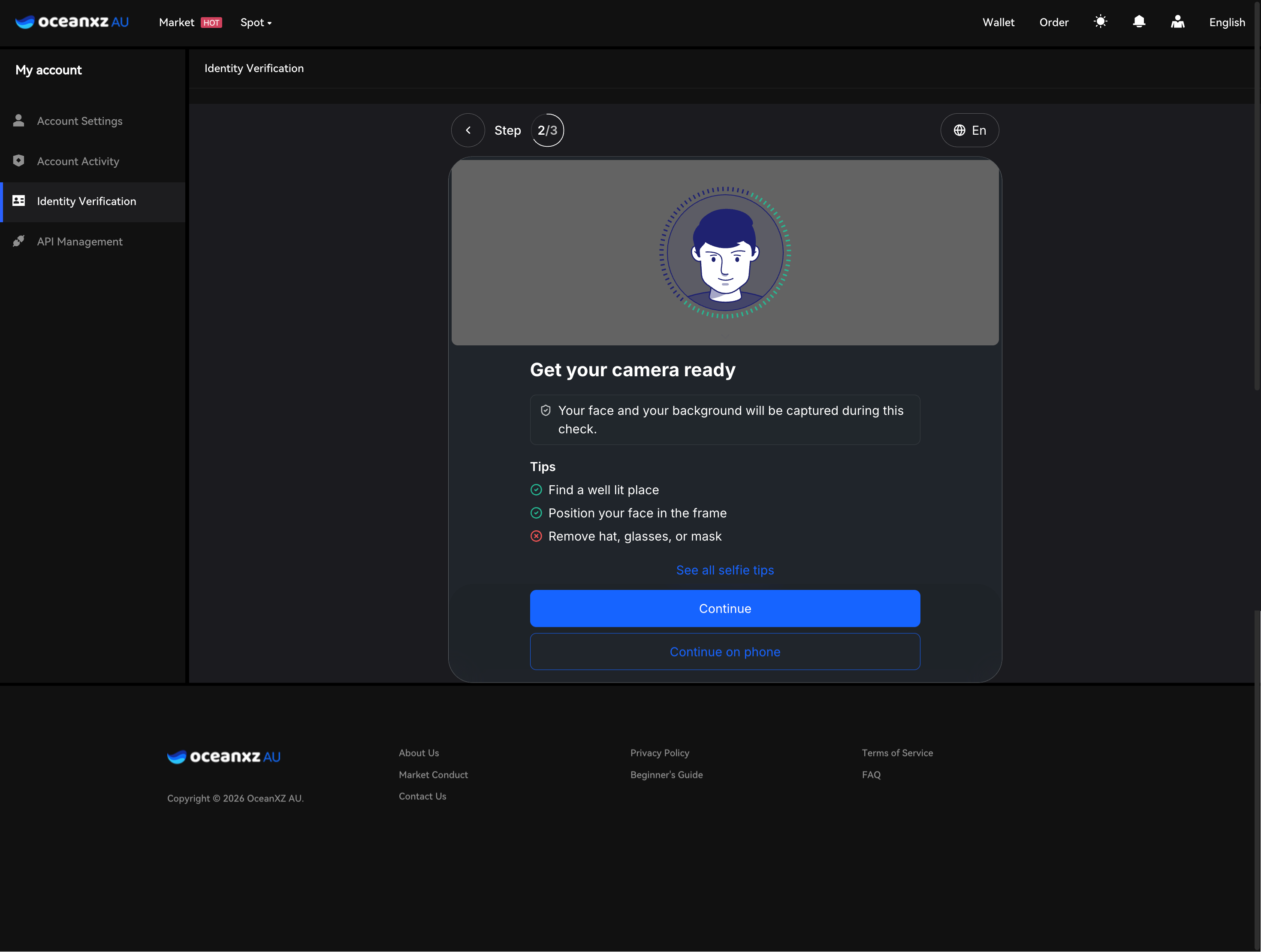
- The "Get your camera ready" screen shows these tips:
- Find a well-lit place
- Position your face in the frame
- Remove hat, glasses, or mask
- Click Continue and allow camera access
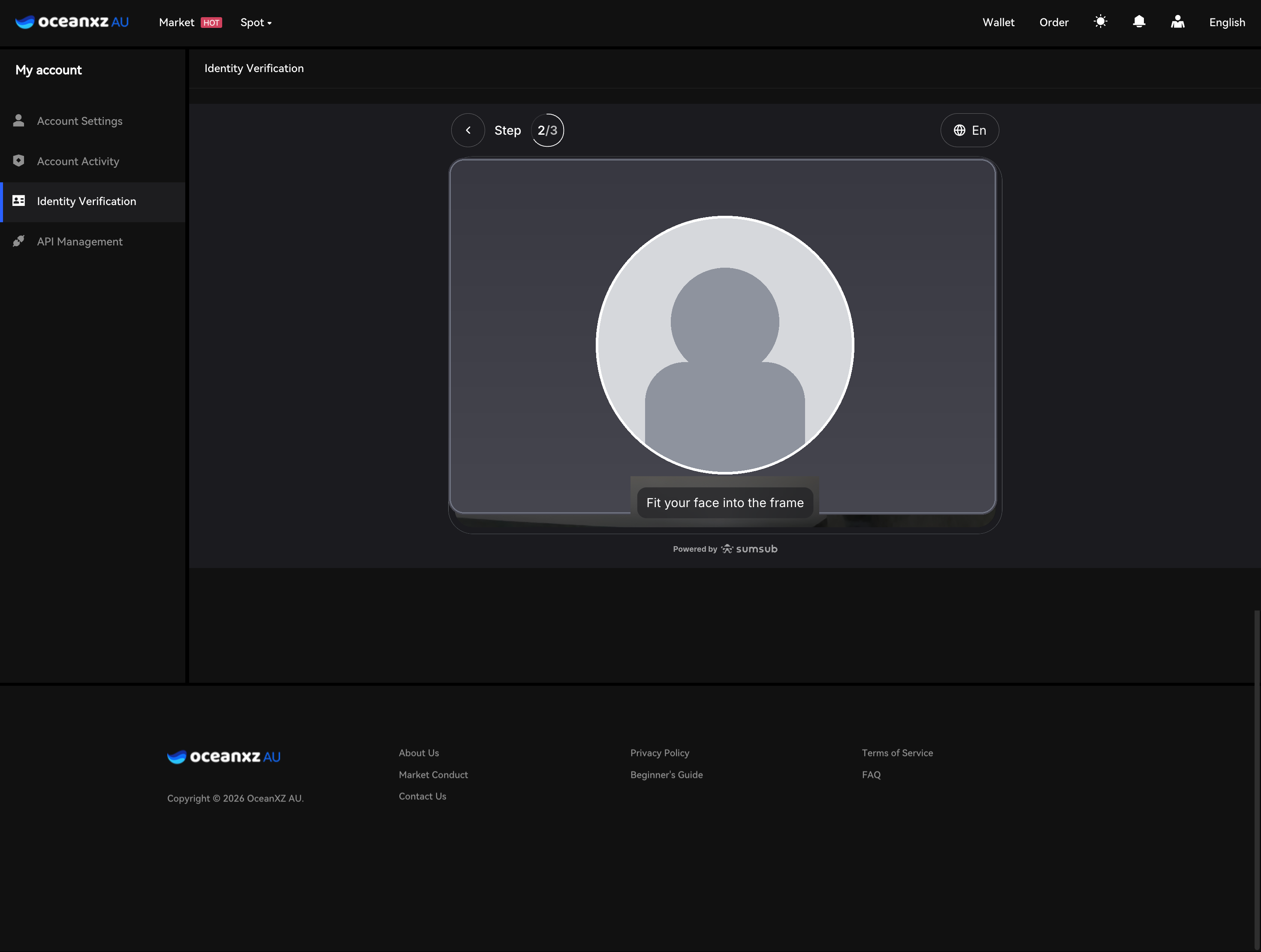
- Fit your face into the circular frame ("Fit your face into the frame") and follow the on-screen instructions until complete
Step 4 : Complete Questionnaire (Additional Information)
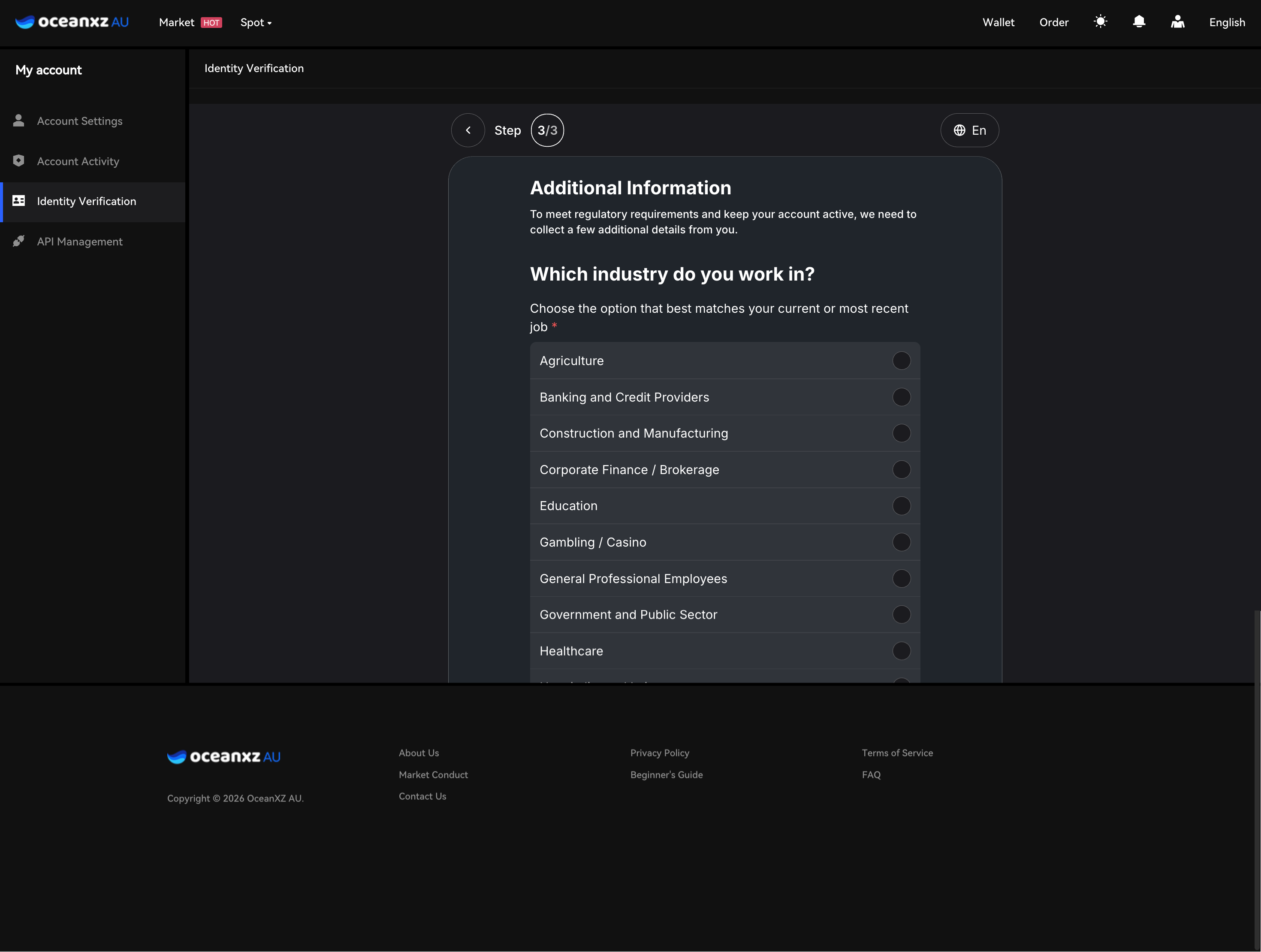
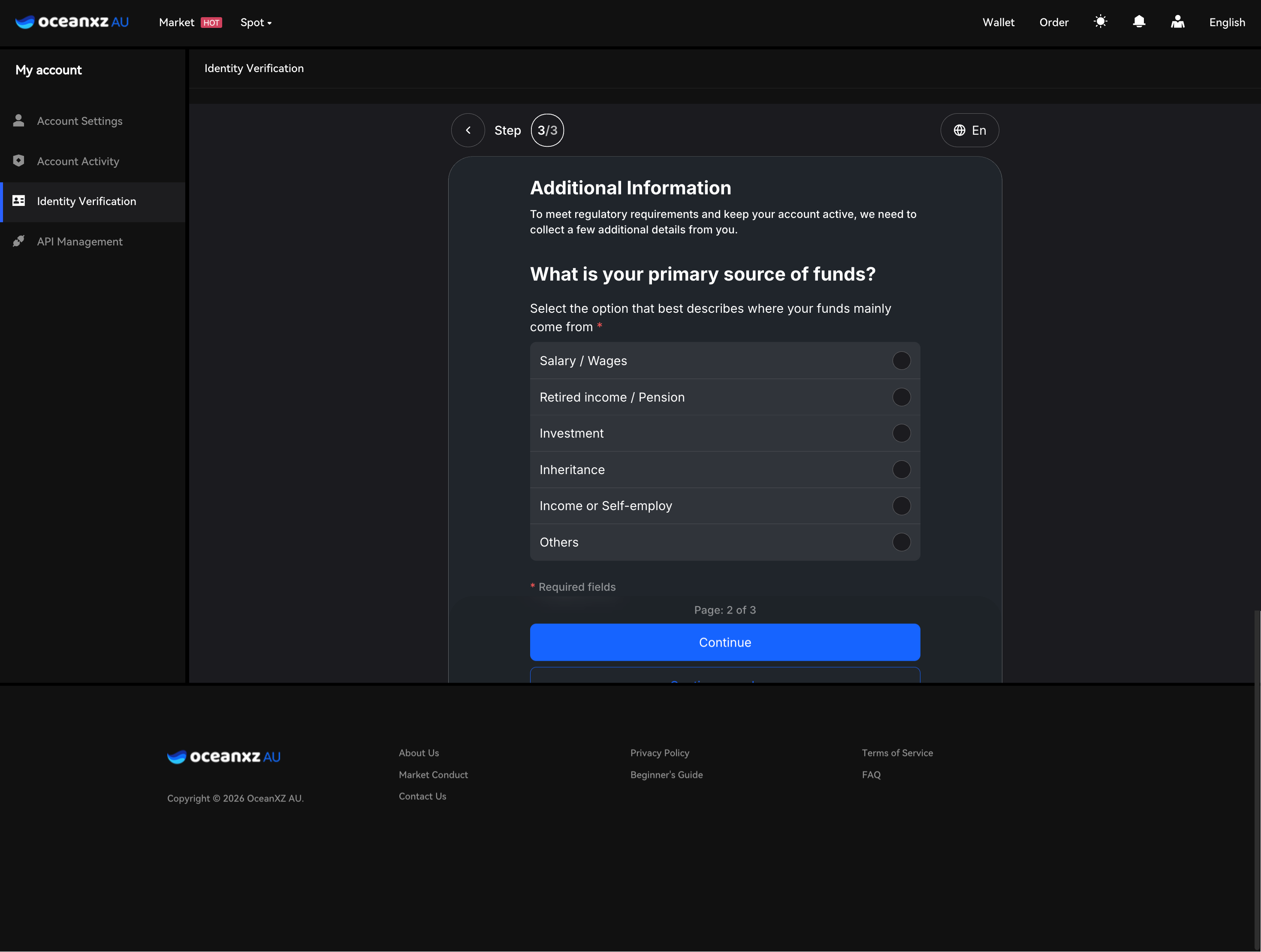
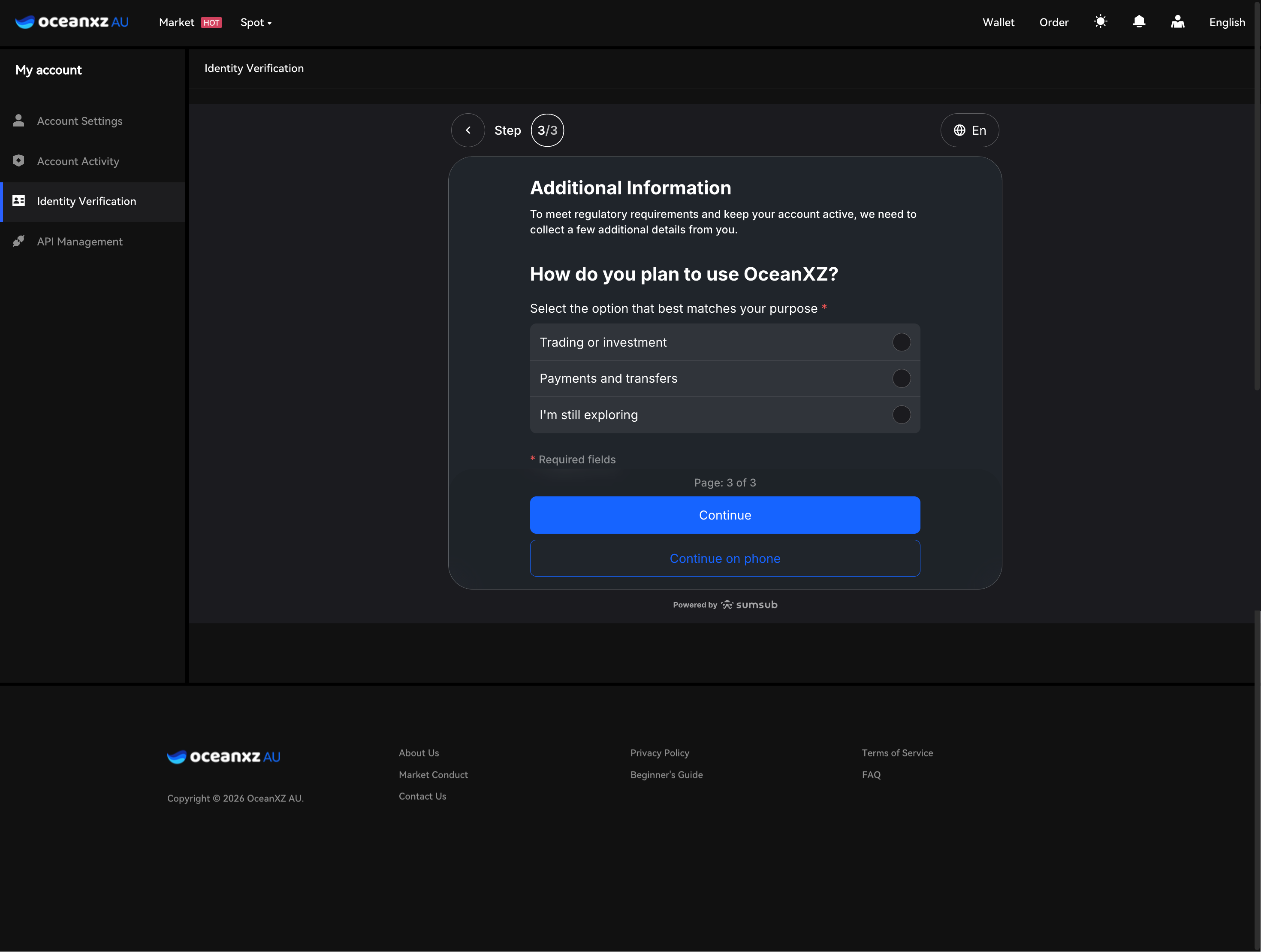
The system asks for additional information across 3 pages, to meet regulatory requirements:
- Which industry do you work in? – select the option that best matches your current or most recent job
- What is your primary source of funds? – select the option that best describes where your funds mainly come from (Salary/Wages, Retired income/Pension, Investment, Inheritance, Income or Self-employed, Others)
- How do you plan to use OceanXZ? – select your purpose (Trading or investment, Payments and transfers, or I'm still exploring)
Click Continue on each page to proceed to the next.
Step 5: Submit for Review
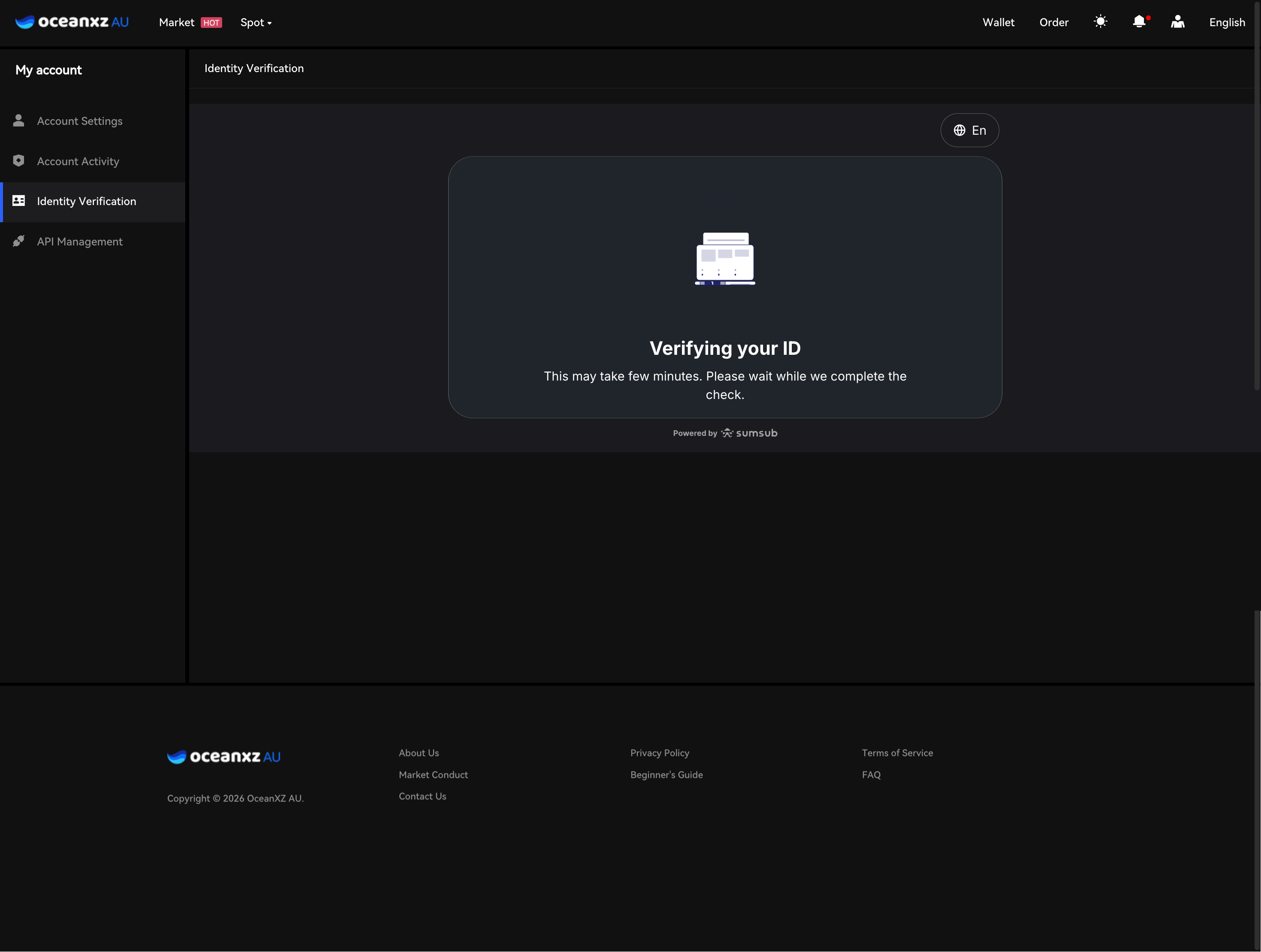
- Once the questionnaire is complete, you'll see the "Verifying your ID" screen, noting that the check may take a few minutes
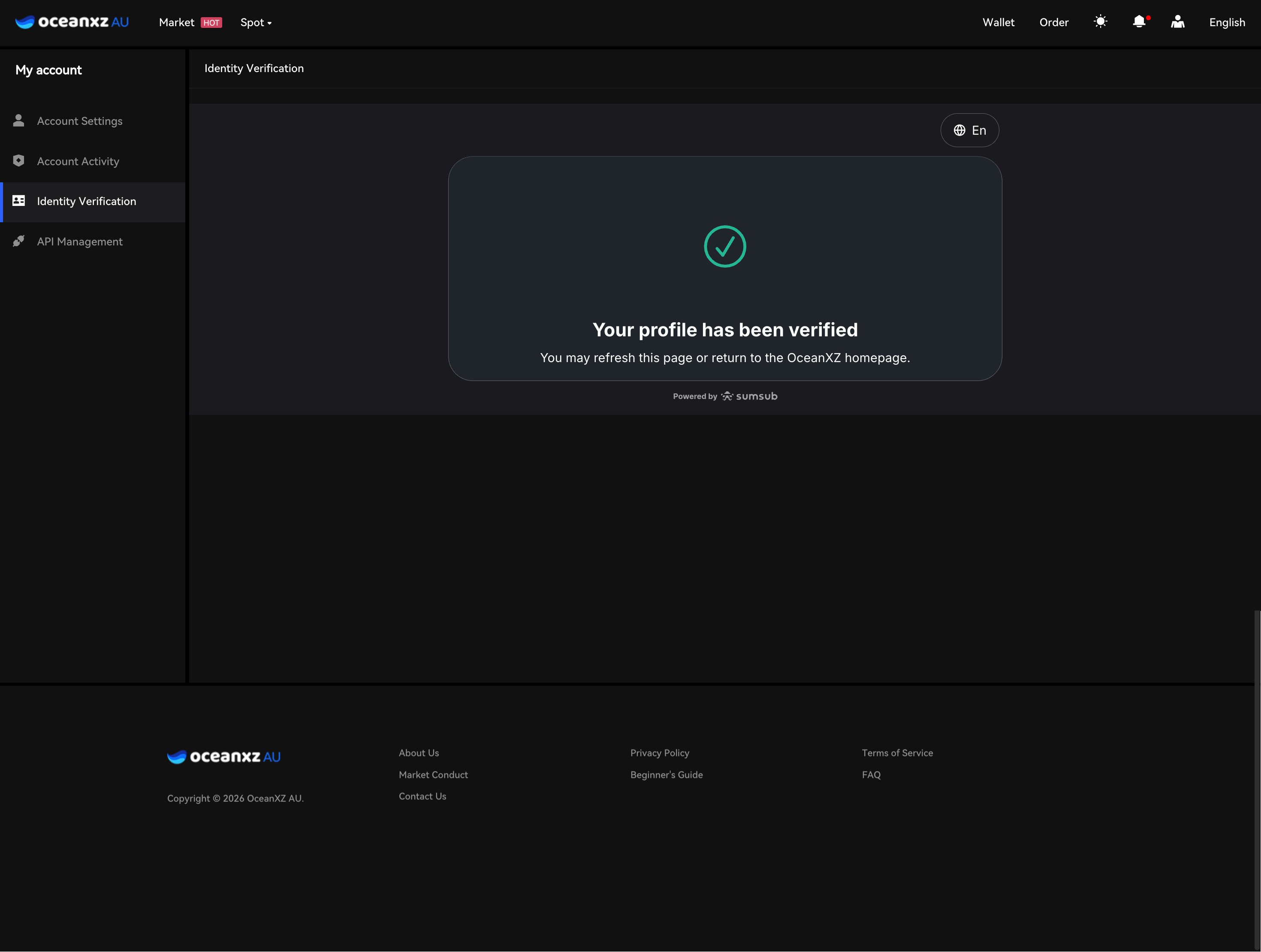
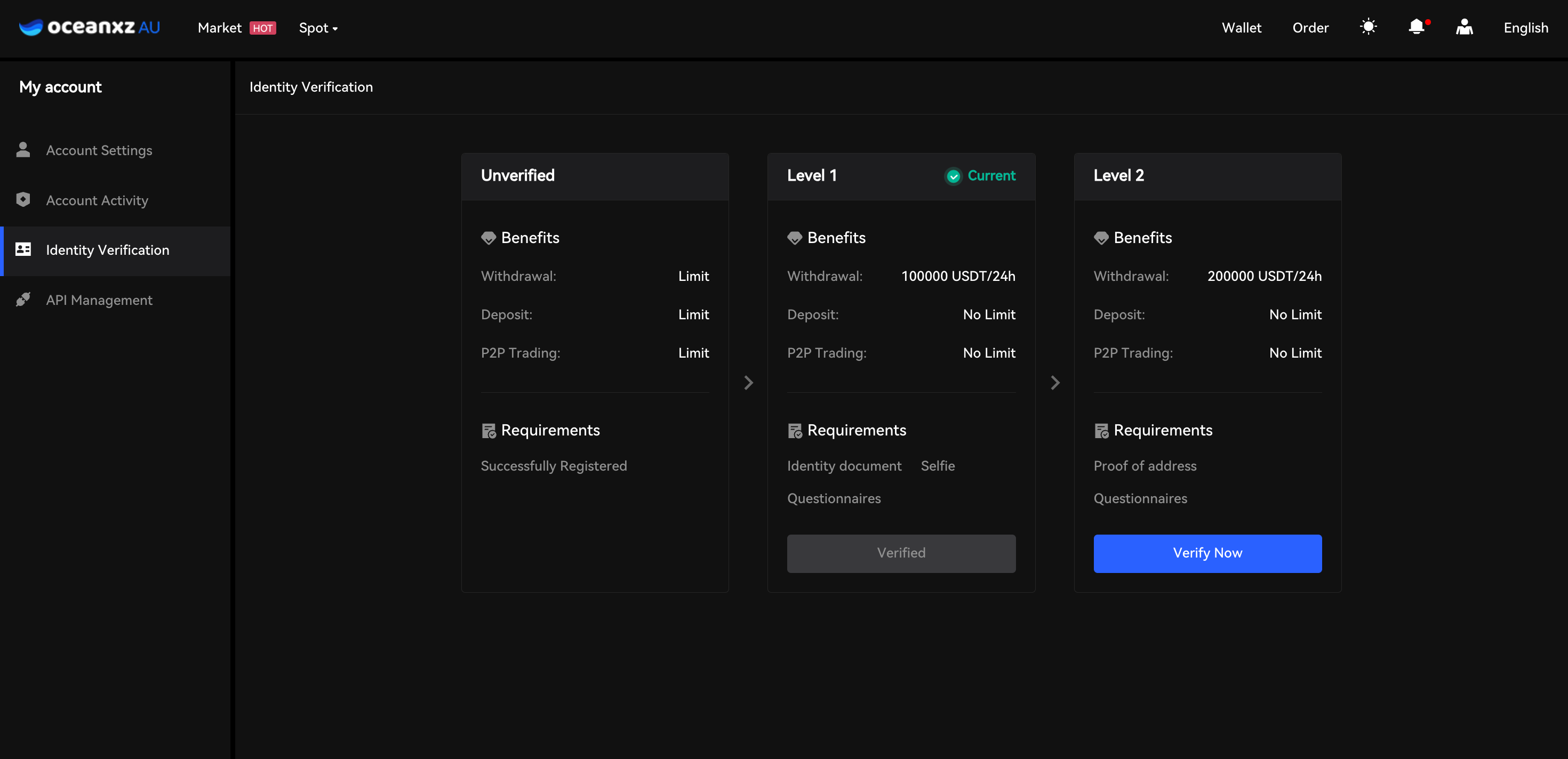
- Once verification is successfully completed, return to the Identity Verification page — the Level 1 status will change from "Verify Now" to "Verified," with a Current indicator shown on Level 1
After Submission
Your verification status will be updated once approved.
After approval, you can:
- Increase withdrawal limits
- Access full platform features
- Apply for a higher KYC level (Level 2)
Important Notes
- Ensure all information matches your official documents
- Blurry or incorrect documents may cause delays
- VPN should be turned off during verification
Comments
0 comments
Please sign in to leave a comment.