Download the Google Authenticator app to scan the QR code.
For iOS, download it from the App Store.
For Android, download it from the Google Play Store.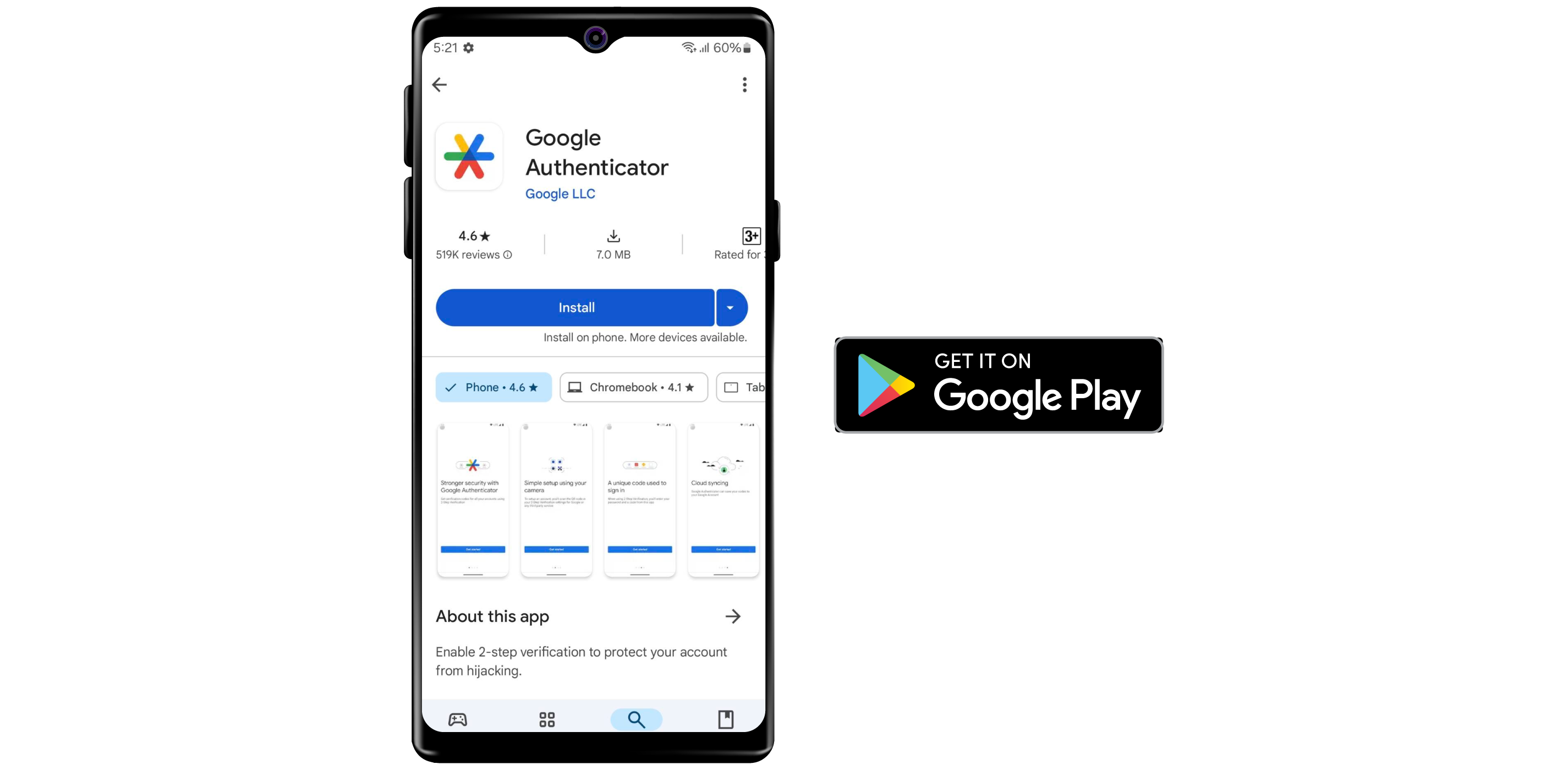
On the Dashboard page, click your Account Icon at the top right corner, then select "Settings".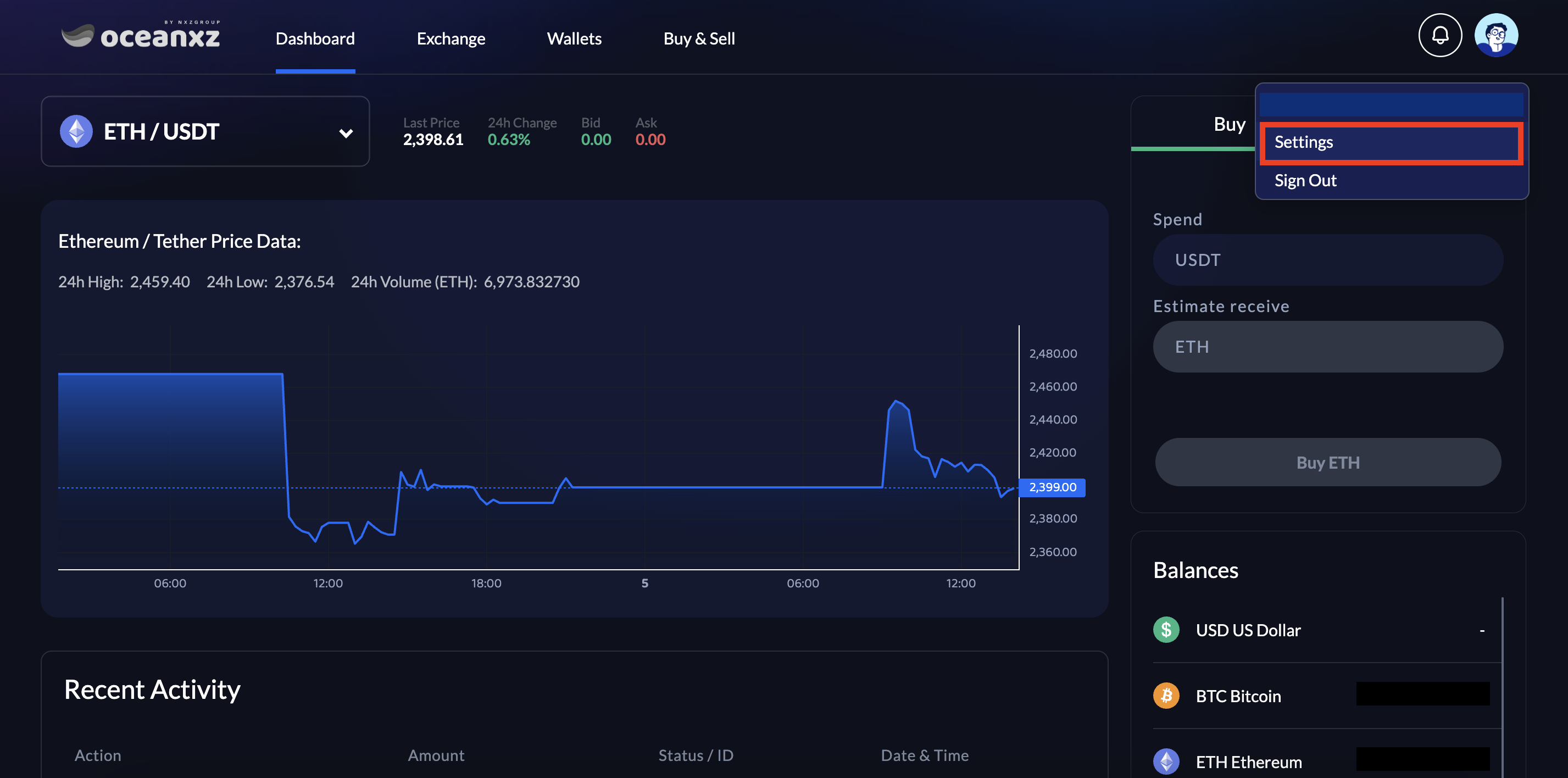
Toggle on Two-Factor Authentication, then follow the steps to enable Two-Factor Authentication.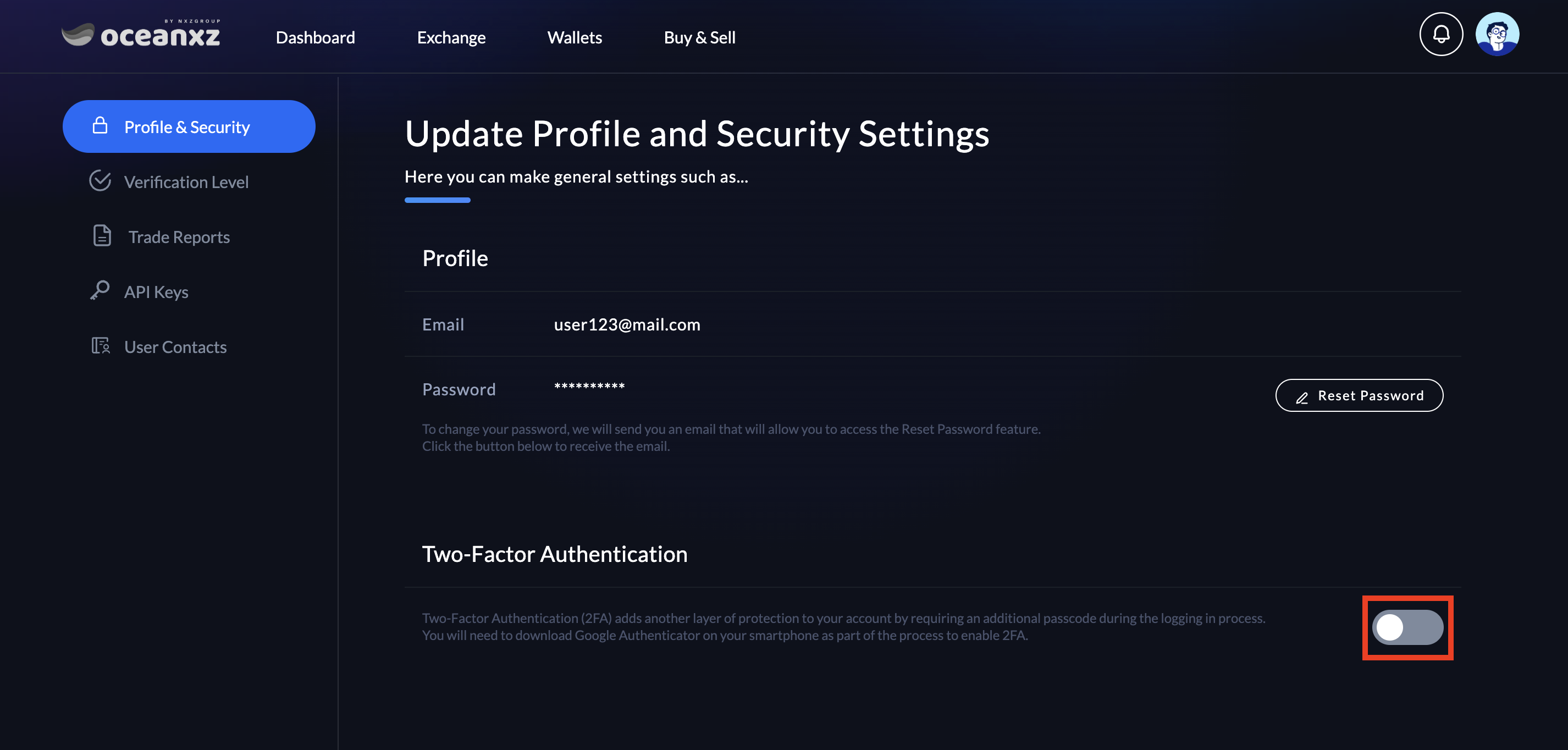
Scan the QR code to activate Google Authentication for identity verification.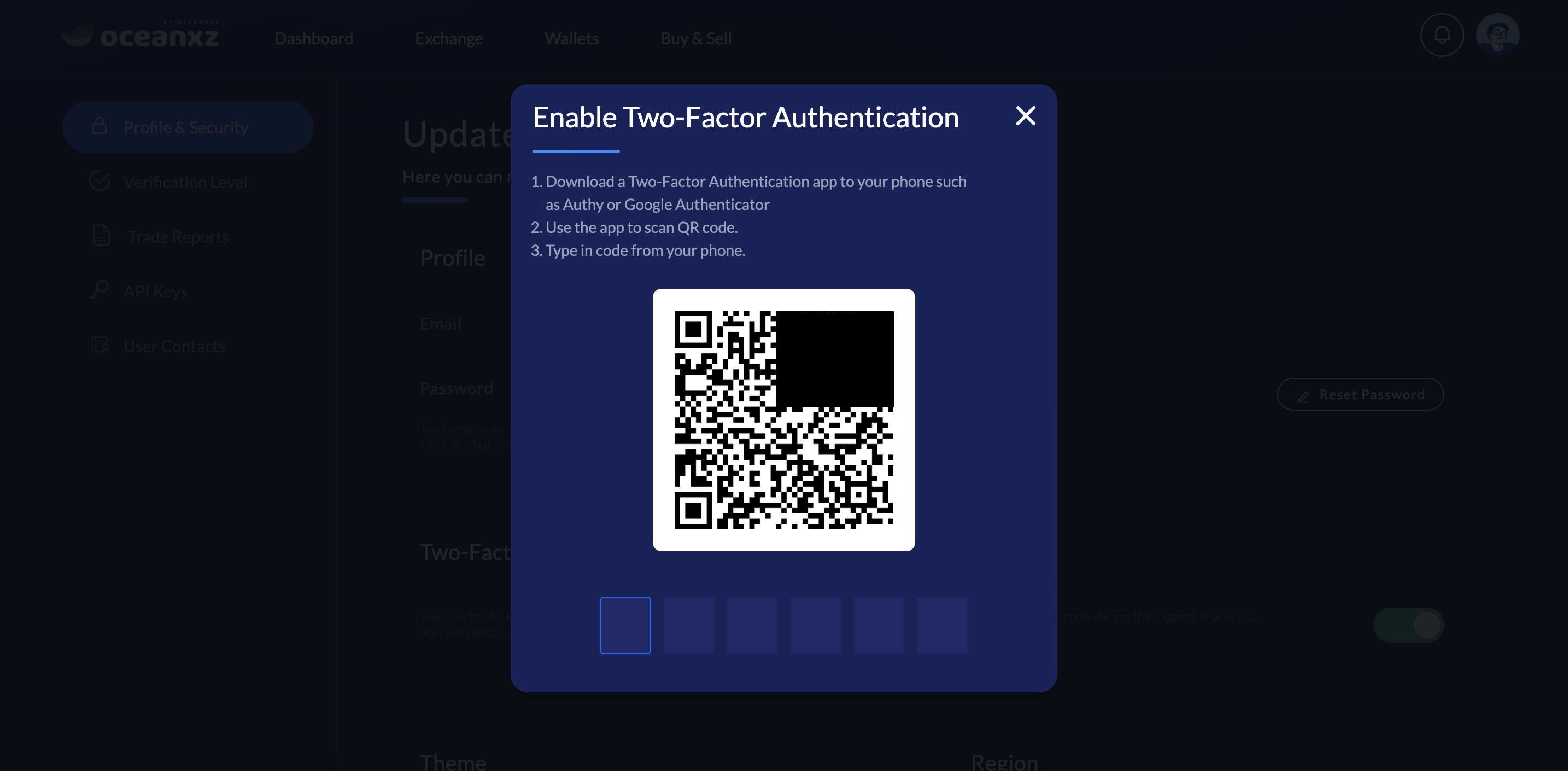
Open the Google Authenticator app, then click the "+" button at the bottom right corner and select Scan a QR code. Scan the QR code displayed on the screen, then enter the 6-digit code below the QR code.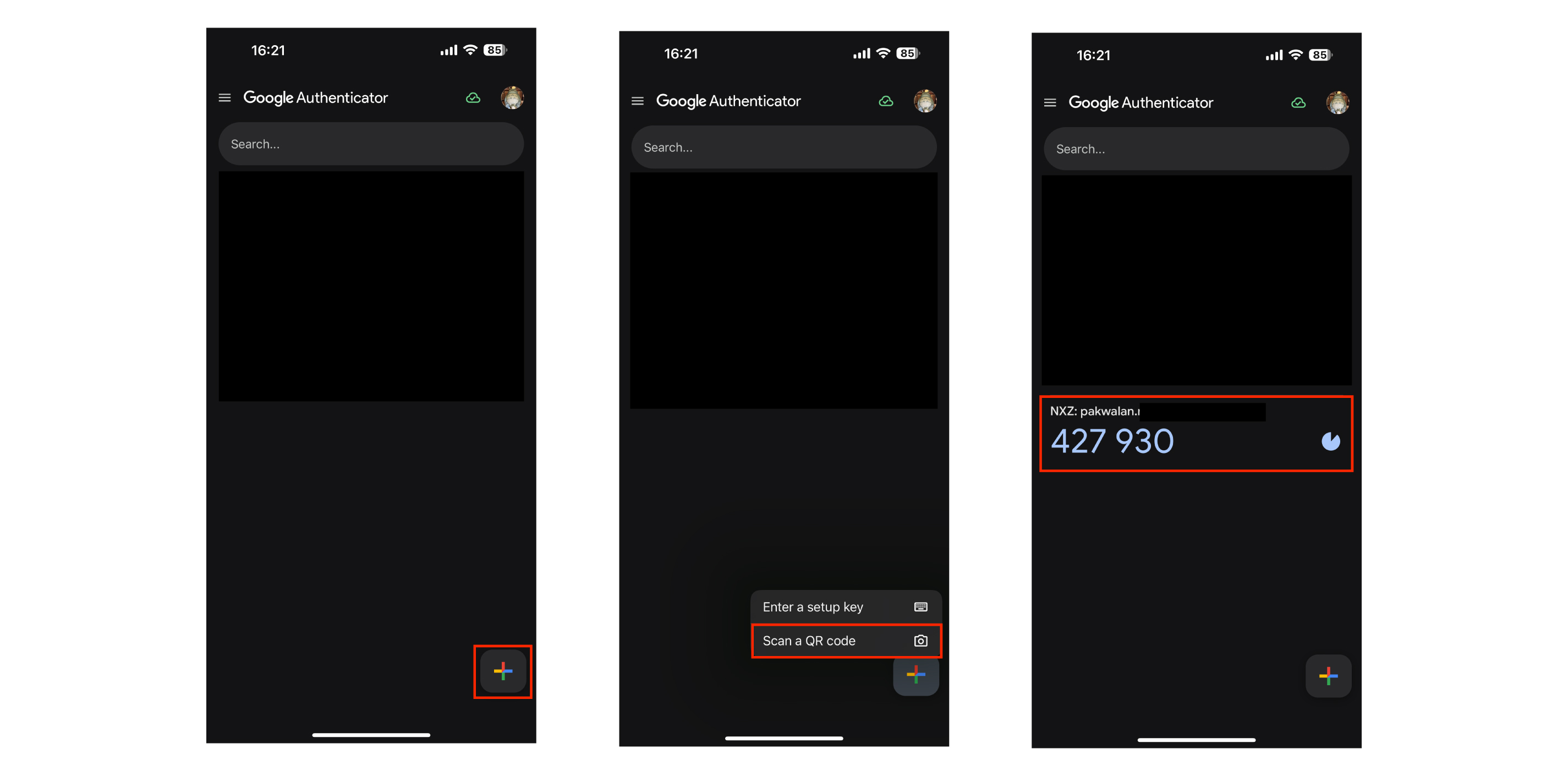
Enter the 6-digit code from Google Authentication back into the Enable Two-Factor Authentication page above. Your 2FA setup is now complete.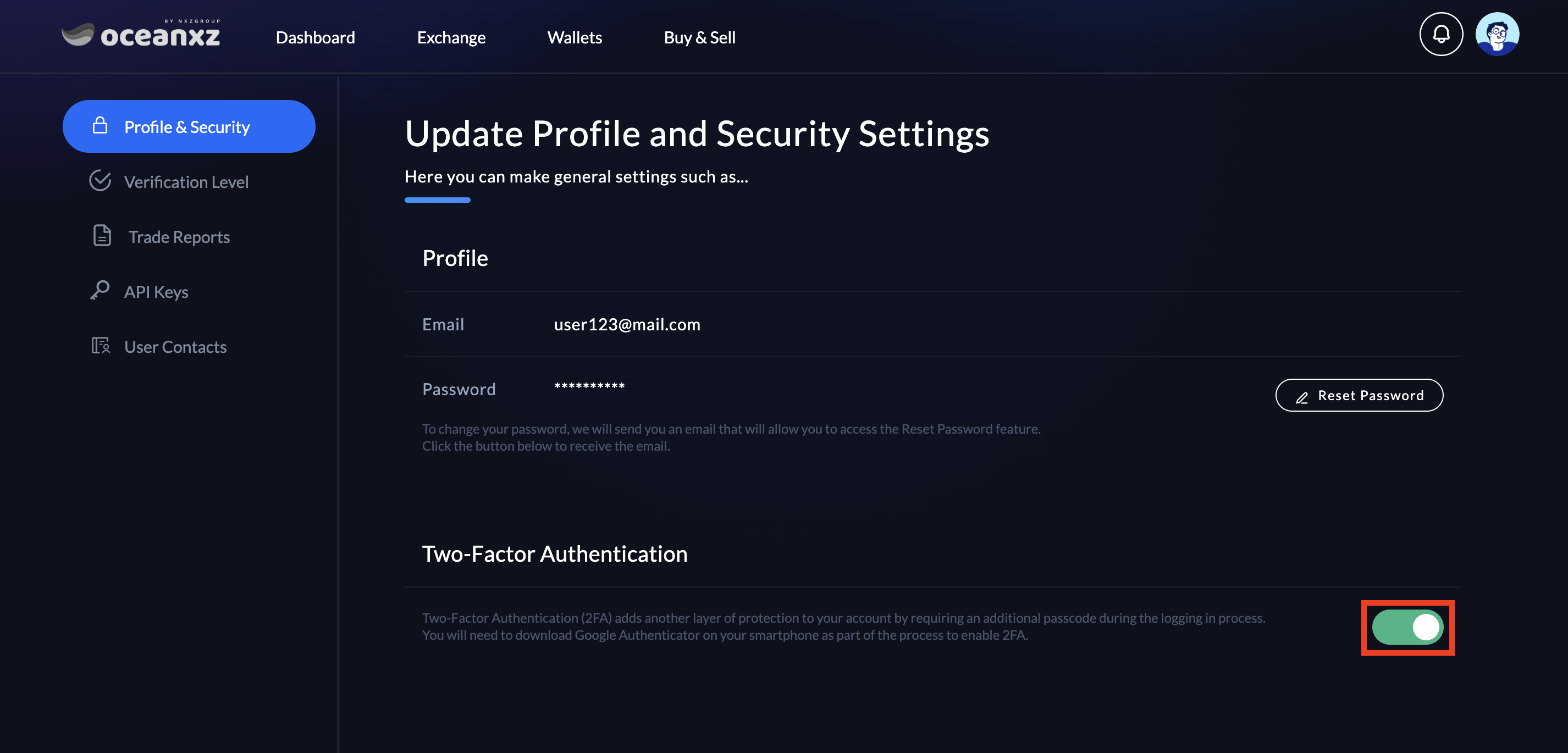
Was this article helpful?
That’s Great!
Thank you for your feedback
Sorry! We couldn't be helpful
Thank you for your feedback
Feedback sent
We appreciate your effort and will try to fix the article