The 3 easy steps for using OceaNXZ are:
Step 1: Register for an account
Step 2: Complete identity verification
Step 3: Start trading
Step 1: Register for an account
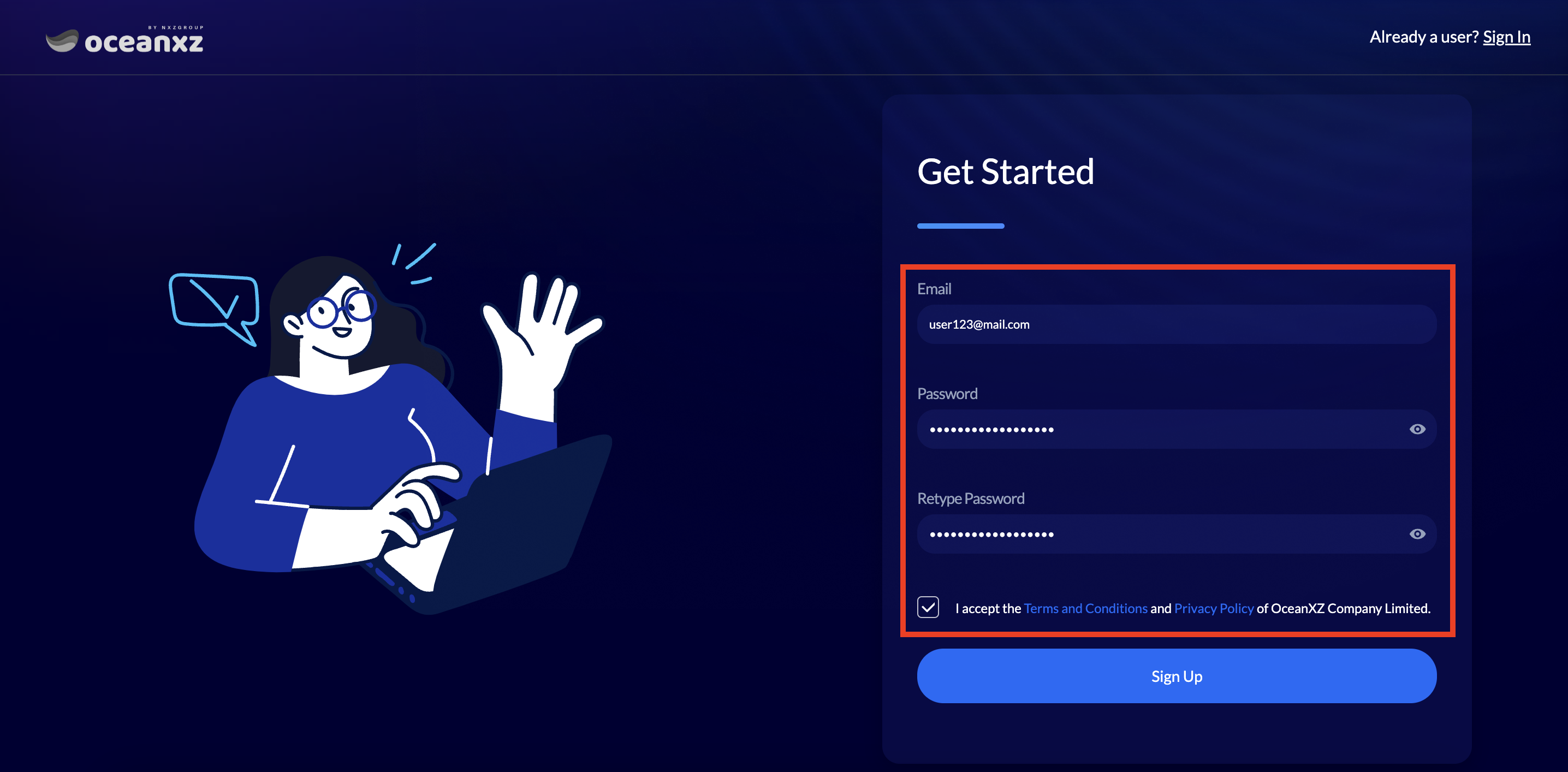
For new customers, click the "Sign Up" button at the top right corner to register.

Enter your Email, Password, and Retype Password correctly and completely. Carefully read the Terms and Conditions and Privacy Policy of OceaNXZ Company Limited, then click Accept. After that, click the "Sign Up" button.
Check your email and verify your email address in order to activate your account.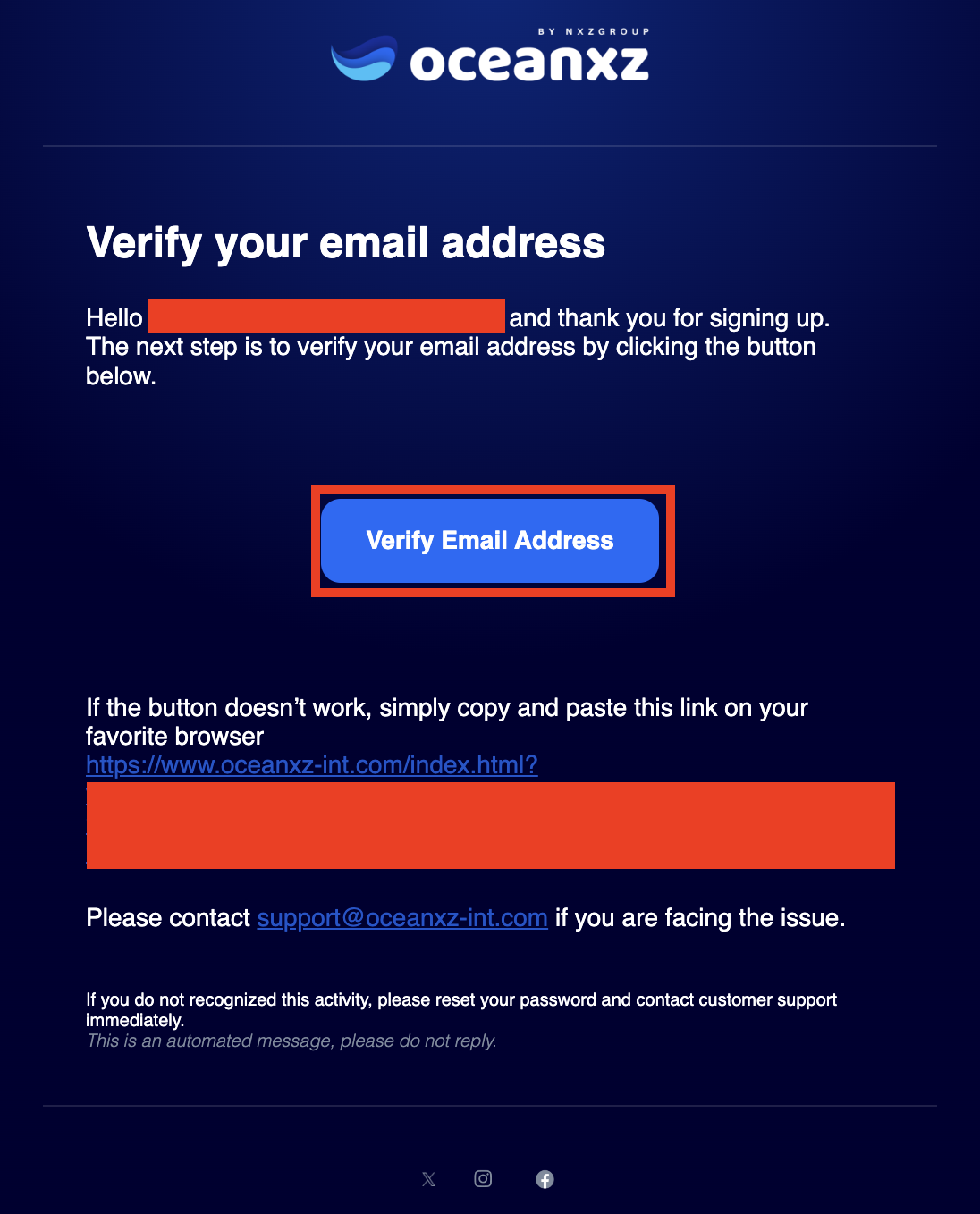
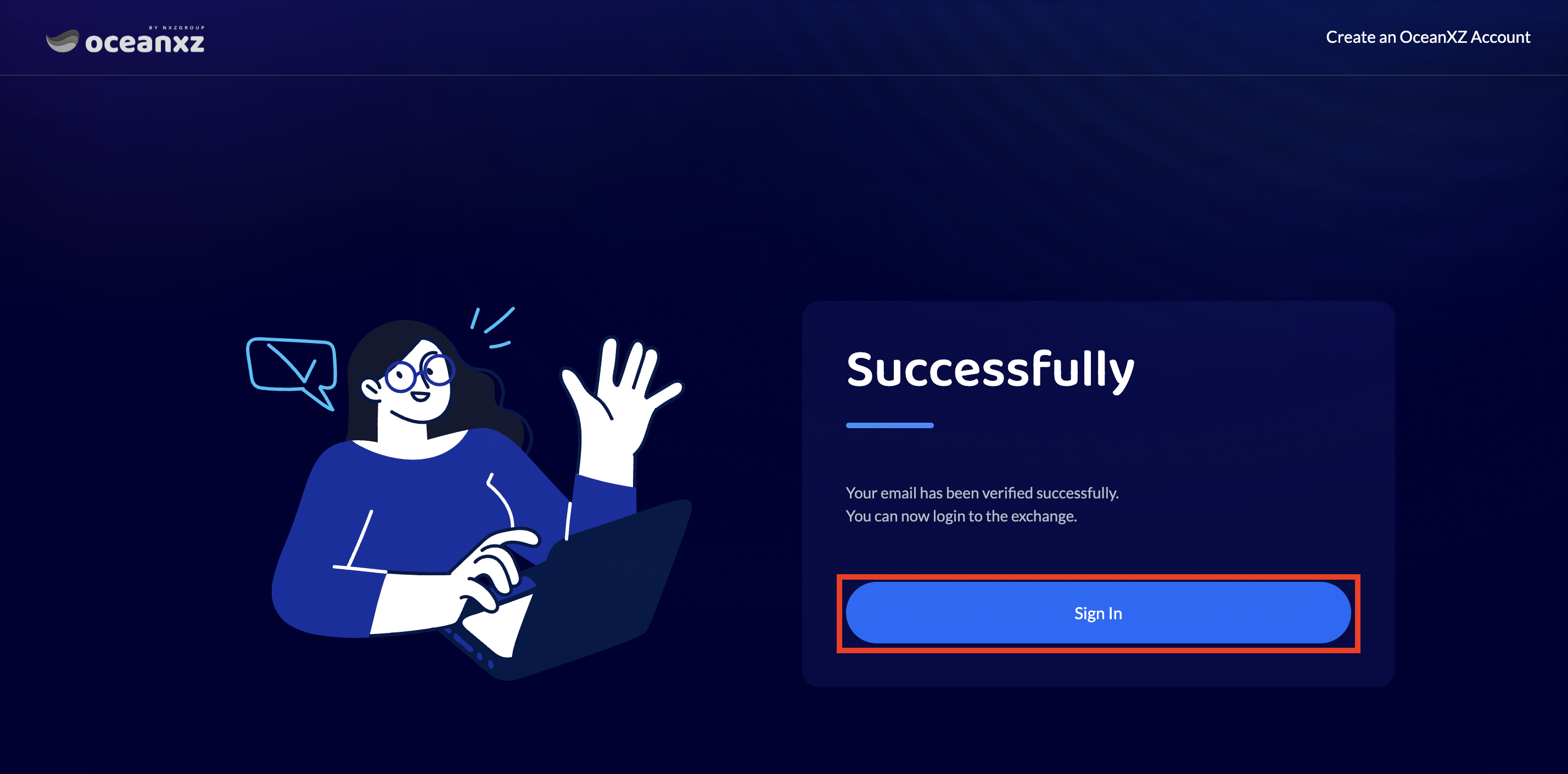
Once your email verification is successful, click the "Sign In" button.
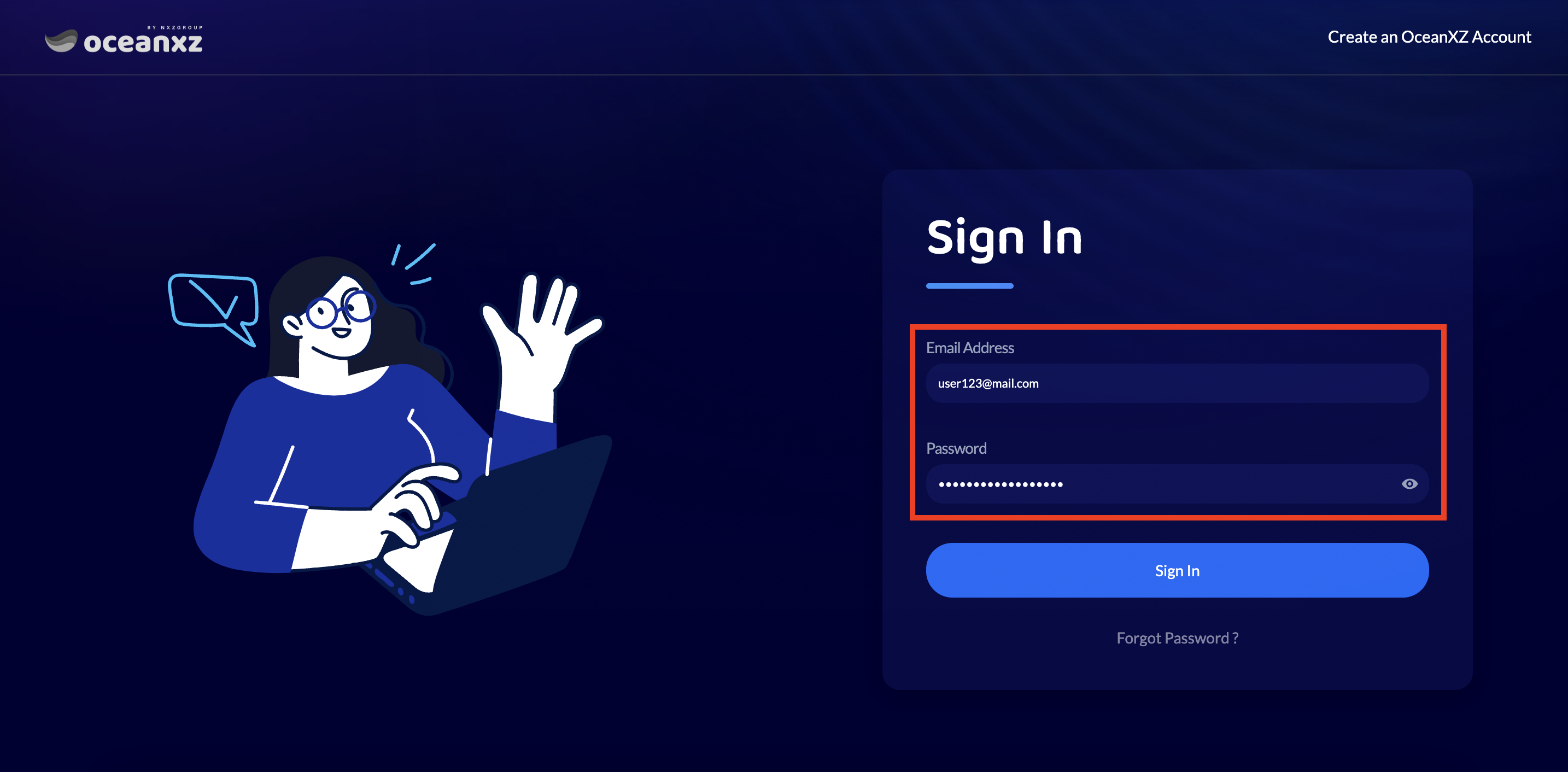
For customers who already have an account, click the "Sign In" button and enter your Email and Password correctly and completely.

Step 2: Complete identity verification
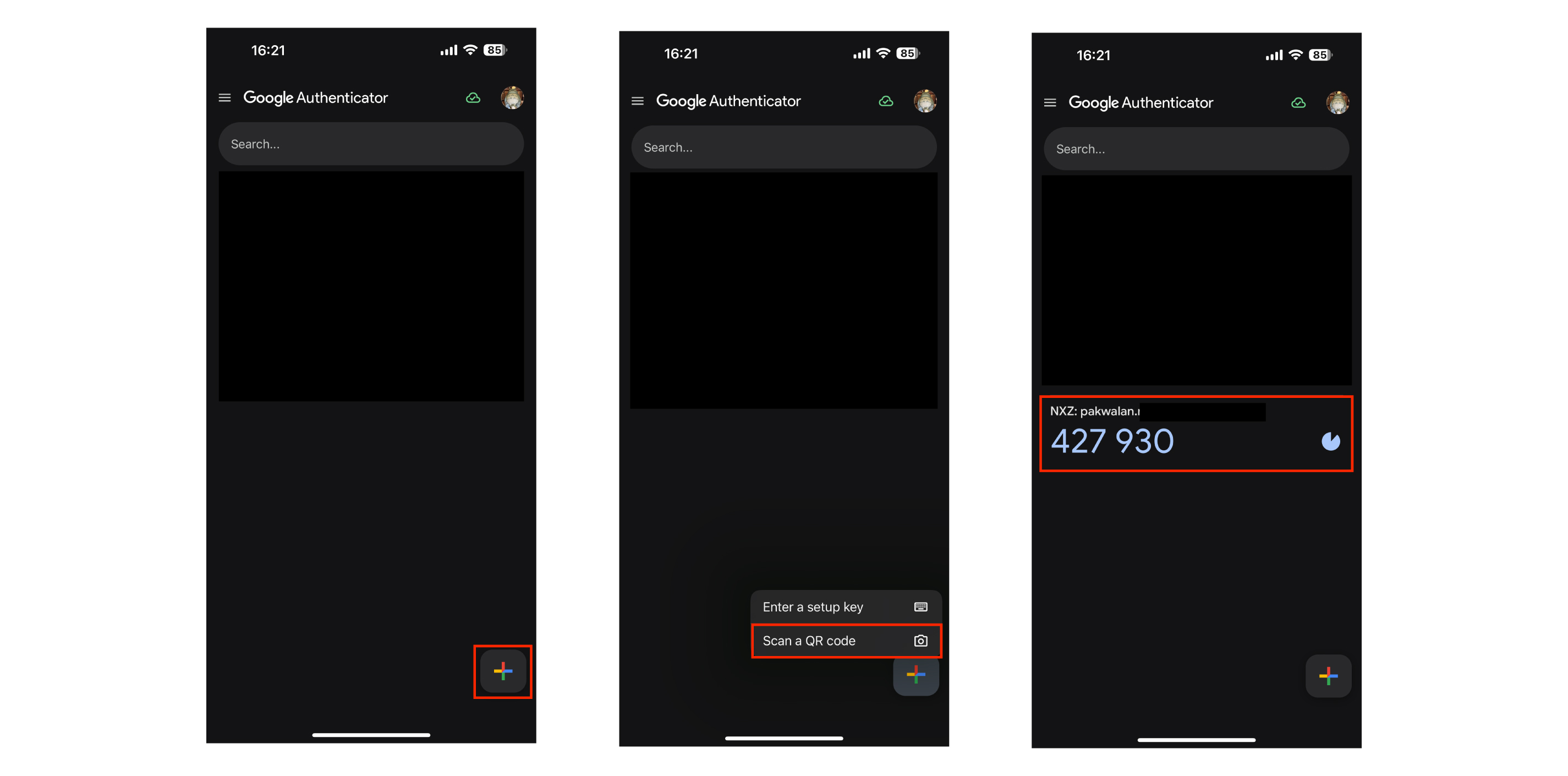
Enter the 6-digit code from the Google Authentication app to complete the 2FA verification.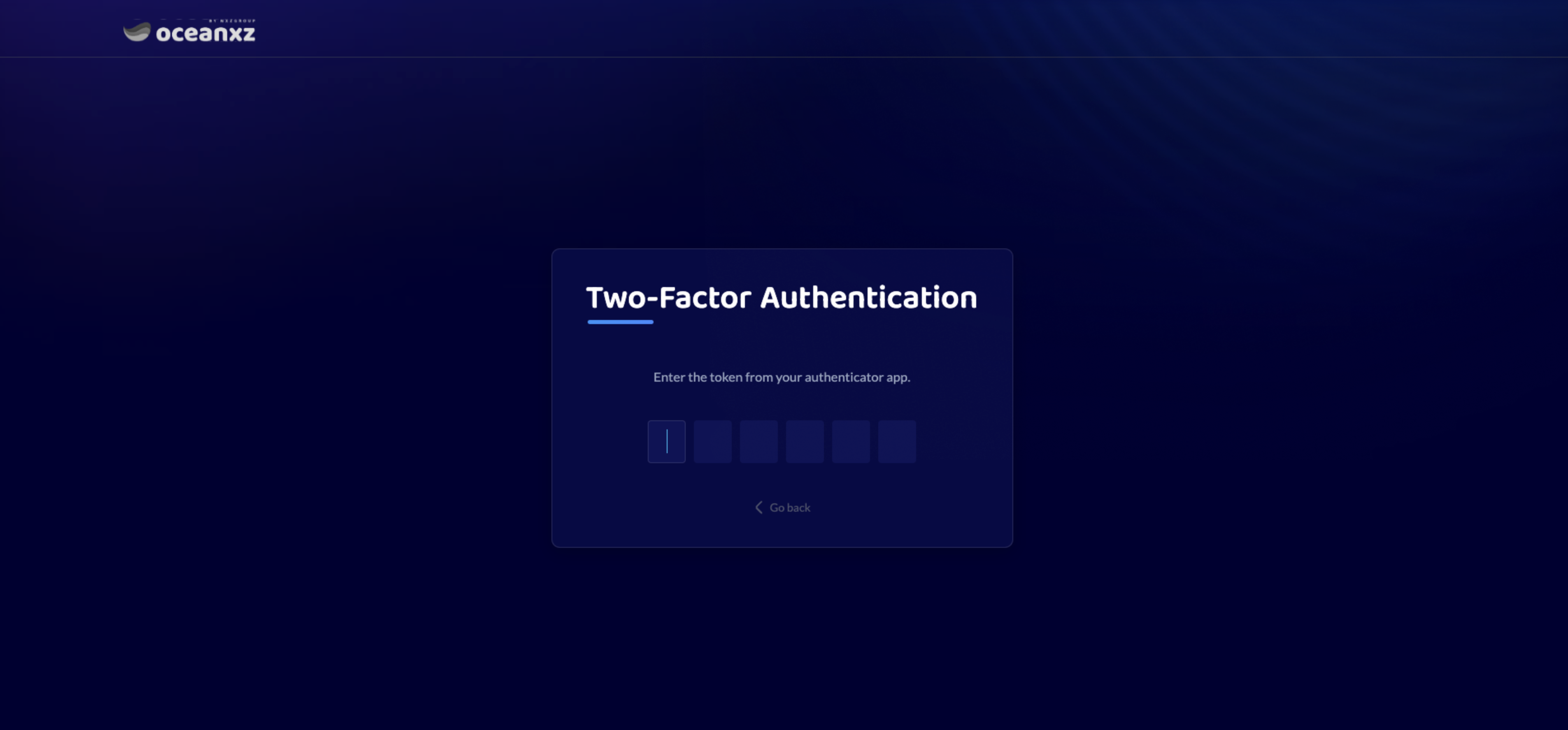
Step 3: Start trading
You can buy or sell the desired cryptocurrency.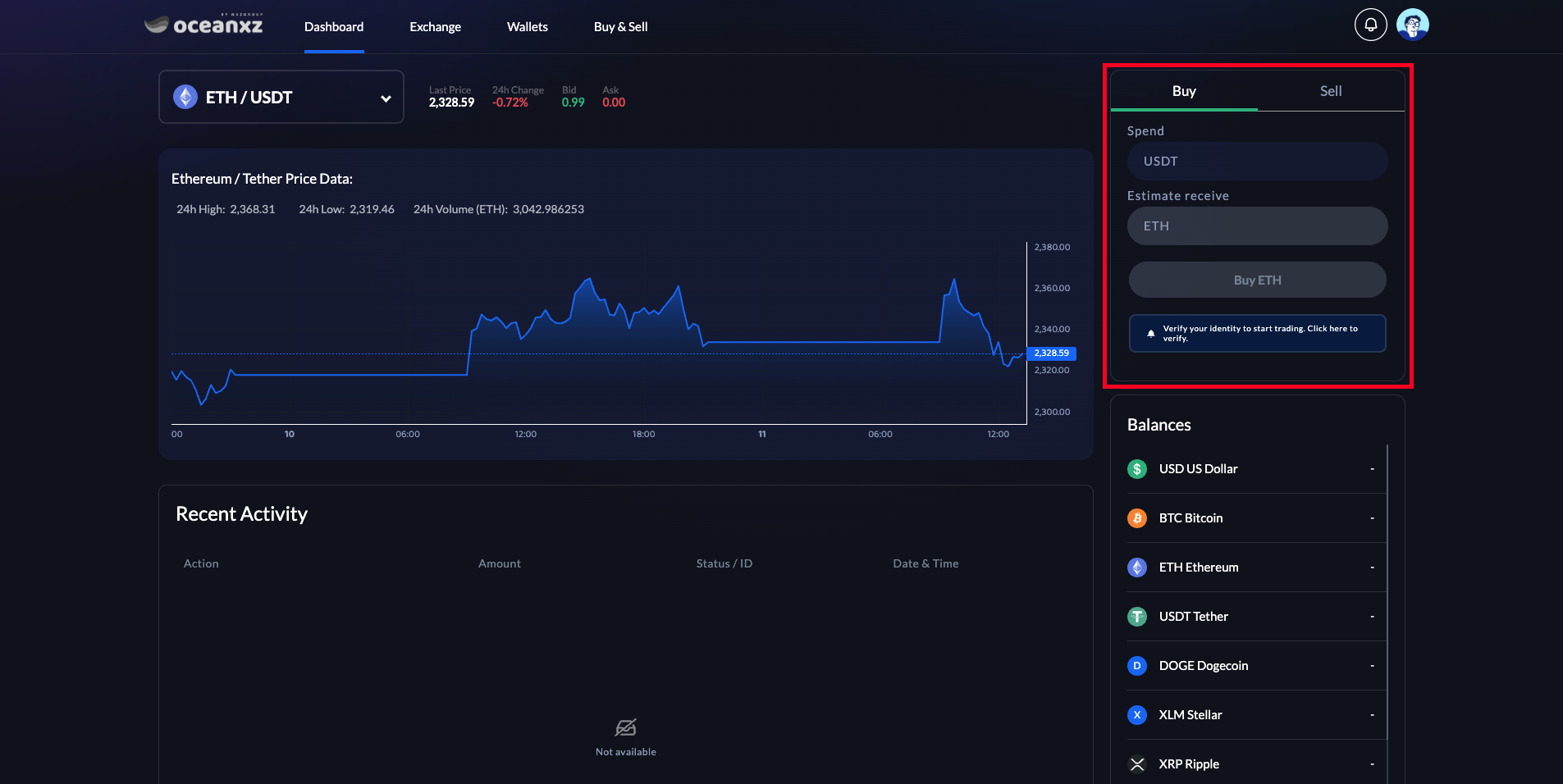
Was this article helpful?
That’s Great!
Thank you for your feedback
Sorry! We couldn't be helpful
Thank you for your feedback
Feedback sent
We appreciate your effort and will try to fix the article